VIVOTEK - Built with Reliability
12 - User's Manual
SATA hard disk(s) are user-supplied. The network video recorder can readily accommodate
most of the o-the-shelf SATA hard drives.
Hardware Installation
2
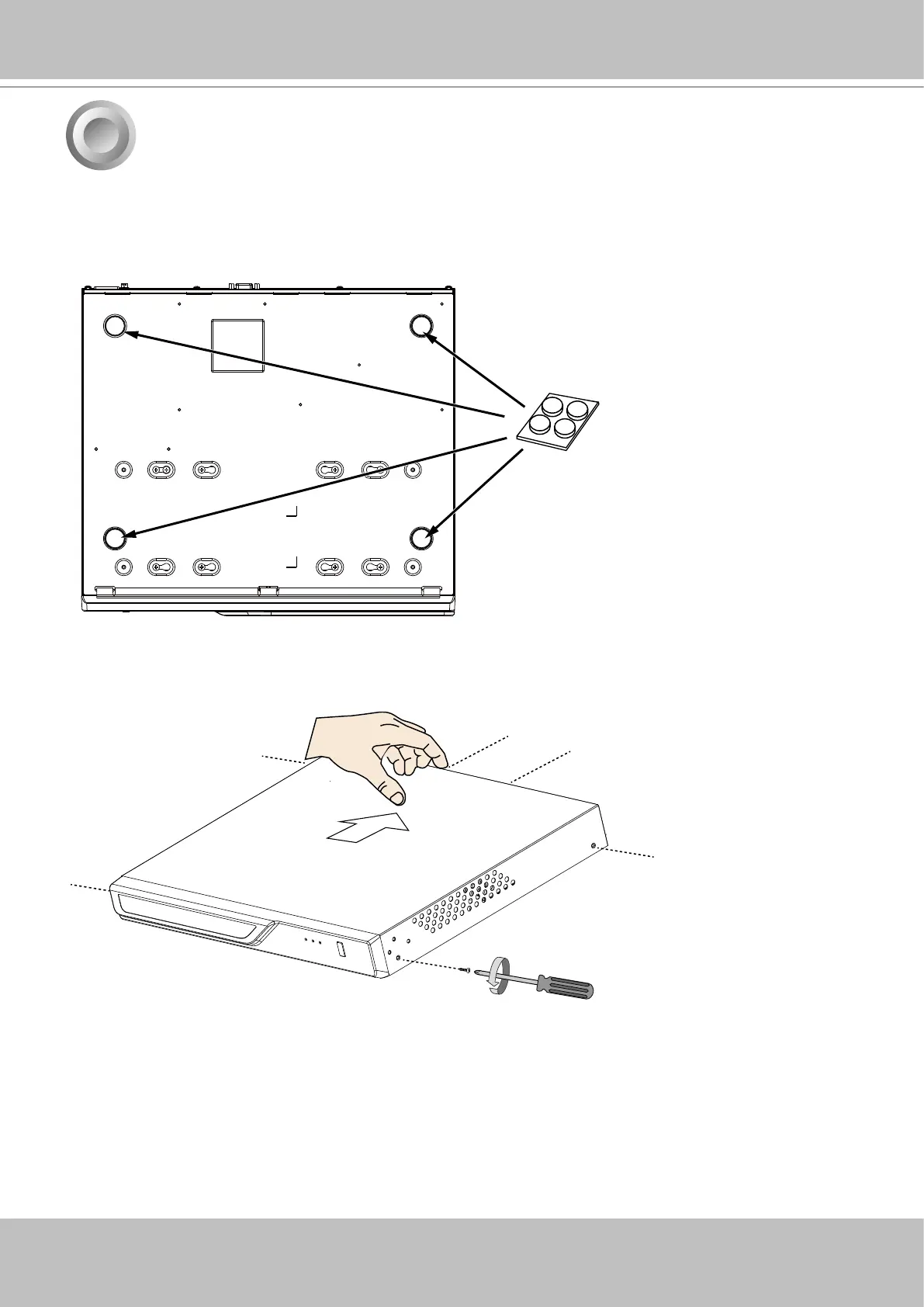
2. Use a screwdriver to loosen the retention screws on the sides and the back of the chassis.
Slide the top cover back, and then remove the top cover.
1. Attach 4 foot pads to the bottom of the enclosure.



 To Next Page