VIVOTEK - A Leading Provider of Multimedia Communication Solutions
User's Manual - 55
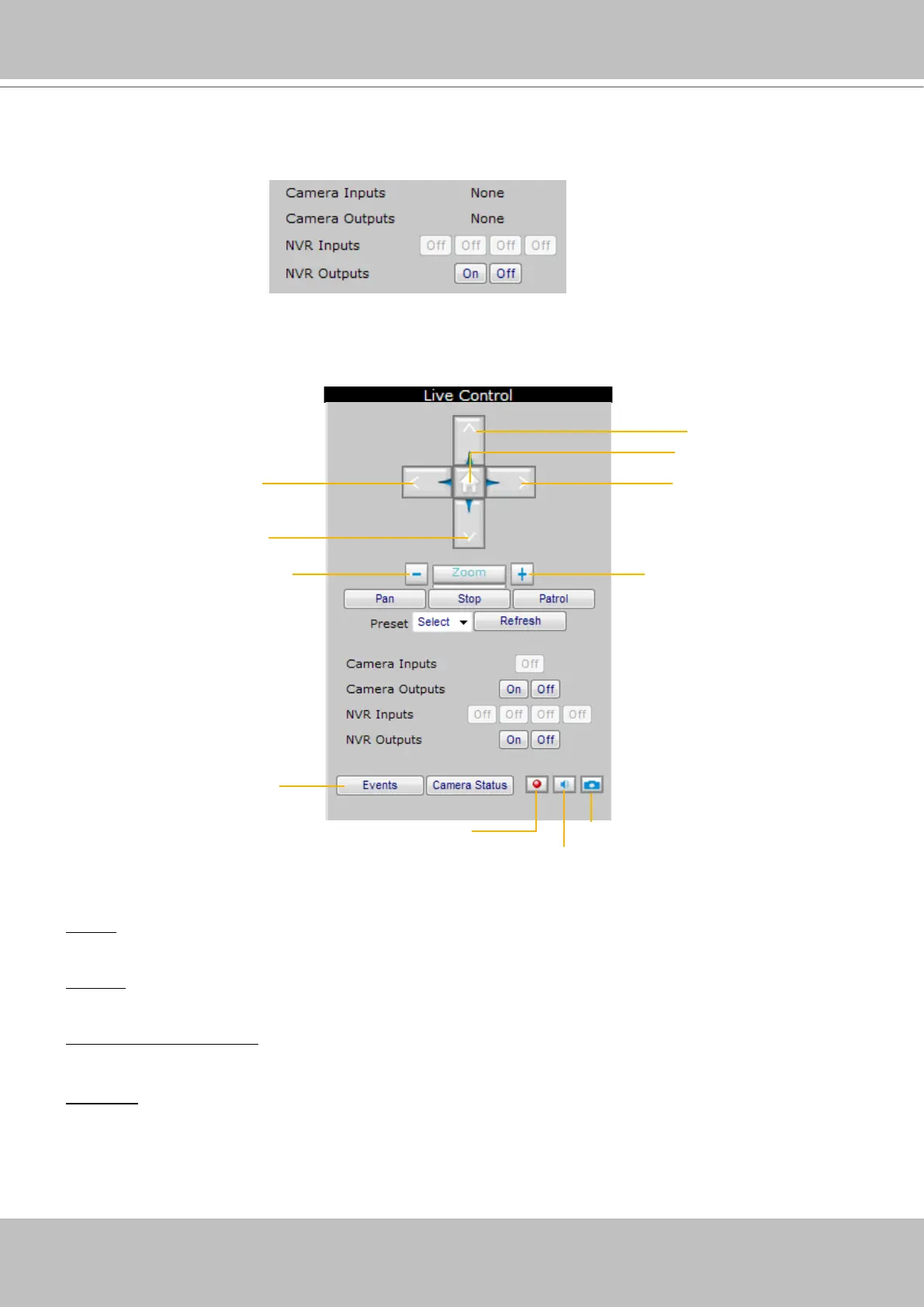
Digital I/O Control Area
This column shows the DI status, and you can manually turn on/off the DO.
Live Control Panel
Only PTZ and speed dome network cameras will enable the PTZ control panel.
Preset: On the drop-down list, there are preset locations you’ve set on the Configuration page of the
cameras.
Refresh: Click it to update the preset locations.
Manual Recording Button: If you click Manual Recording Button on the Live Control Panel, the Recording
Type will turn into Manual recording. If you want to stop manual recording, click the button again.
Snapshot: Click to save a snapshot of the video you select. To congure Snapshot and Download Path,
please refer to System on page 44.
up
home
rightleft
down
zoom in
zoom out
event history
stop/start
manual recording
mute/unmute
snapshot



 To Next Page