VIVOTEK - A Leading Provider of Multimedia Communication Solutions
56 - User's Manual
Playback Control Panel
There are eight buttons for you to playback the recorded video clips (current 80 seconds).
Play: To start or resume playback at normal speed.
Pause: To pause the playback. Click again to step forward a frame.
Stop: To stop video playback.
Live: To switch to live video.
Play rewind: To rewind recorded video. Click again to speed up (-4x, -16x, -64x).
Play forward: To playback recorded video. Click again to speed up (4x, 16x, 64x).
Previous: During playing mode, click this button to play the last video clip back in 60 seconds.
During pause mode, click this button to step back to display the last I-frame.
Next: During playing mode, click this button to play the next video clip forward in 60 seconds.
During pause mode, click this button to step back to display the next I-frame.
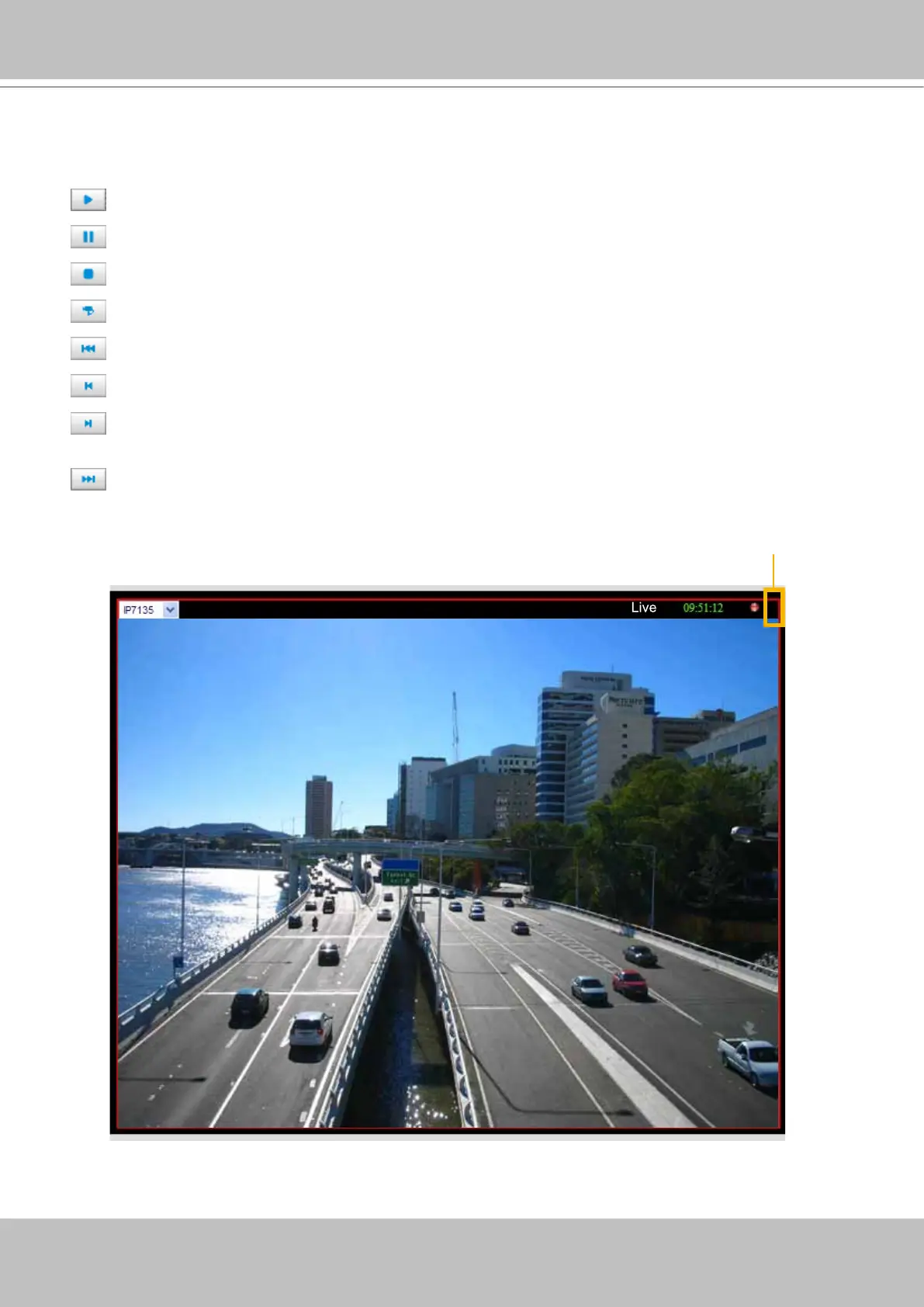
Event Trigger Alarm
If you have set up an event for a device, an exclamation mark will ash on the upper right corner
of the video cell when an event is triggered.
!
an exclamation mark



 To Next Page