VIVOTEK - A Leading Provider of Multimedia Communication Solutions
40 - User's Manual
NOTE
► Microsoft
®
Internet Explorer does not support server push technology; therefore, using http://<ip
address>:<http port>/<access name for stream1 or stream2> will fail to access the Network Camera�
HTTPS
By default, the HTTPS port is set to 443� It also can be assigned with another port number between 1025
and 65535�
Two way audio
By default, the two way audio port is set to 5060� Also, it can be assigned with another port number
between 1025 and 65535�
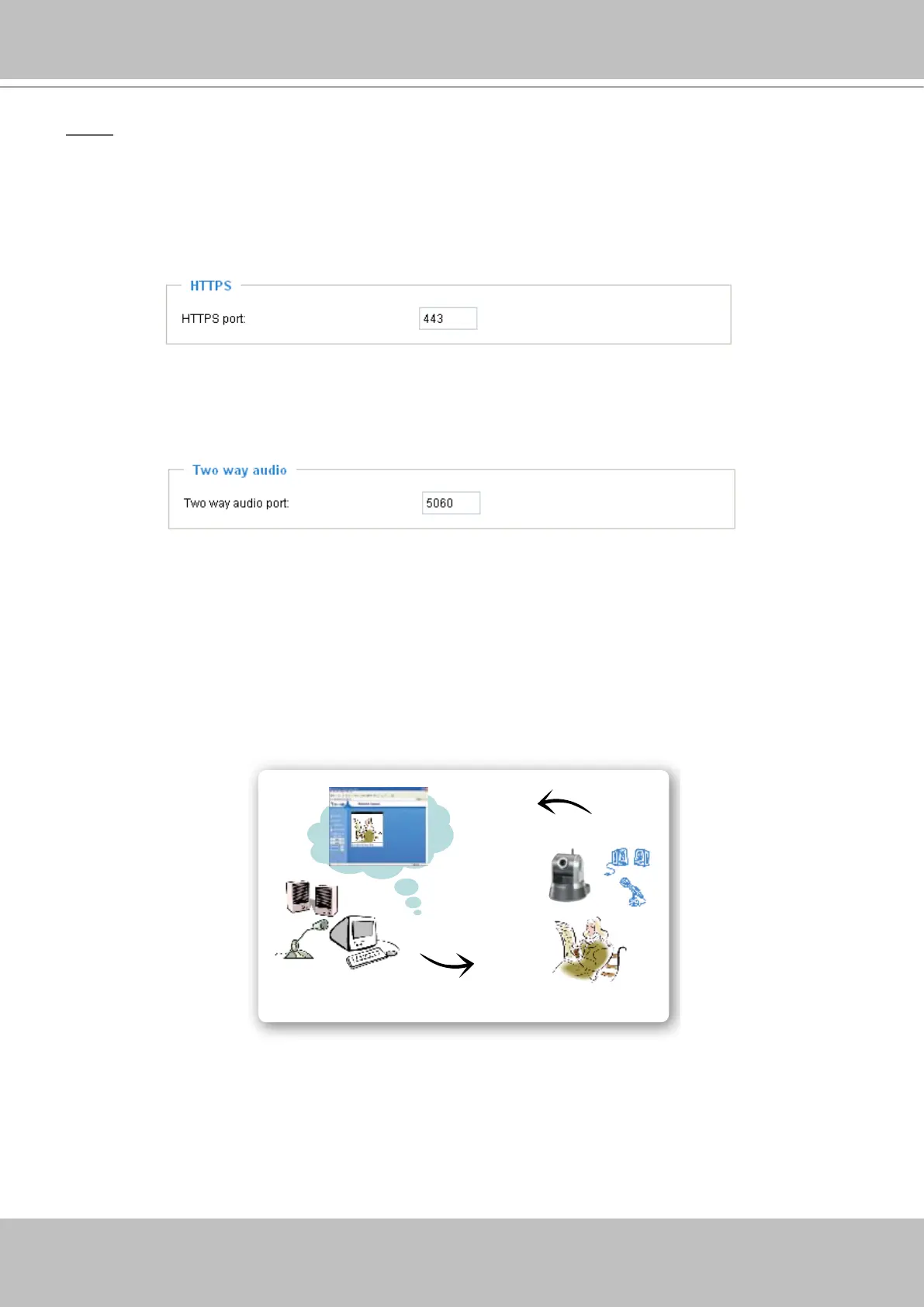
The Network Camera supports two way audio communication so that operators can transmit and receive
audio simultaneously� By using the Network Camera’s built-in or external microphone and an external
speaker, you can communicate with people around the Network Camera�
Note that as JPEG only transmits a series of JPEG images to the client, to enable two-way audio
function, make sure the video mode is set to “MPEG-4” on Audio and Video settings page and the media
option is set to “Video and Audio” on the Client Settings page� Please refer to Client Settings on page 22
and Audio and Video Settings on page 52�
Audio send from operators
Audio send to operators
America
Taiwan



 To Next Page