5
11
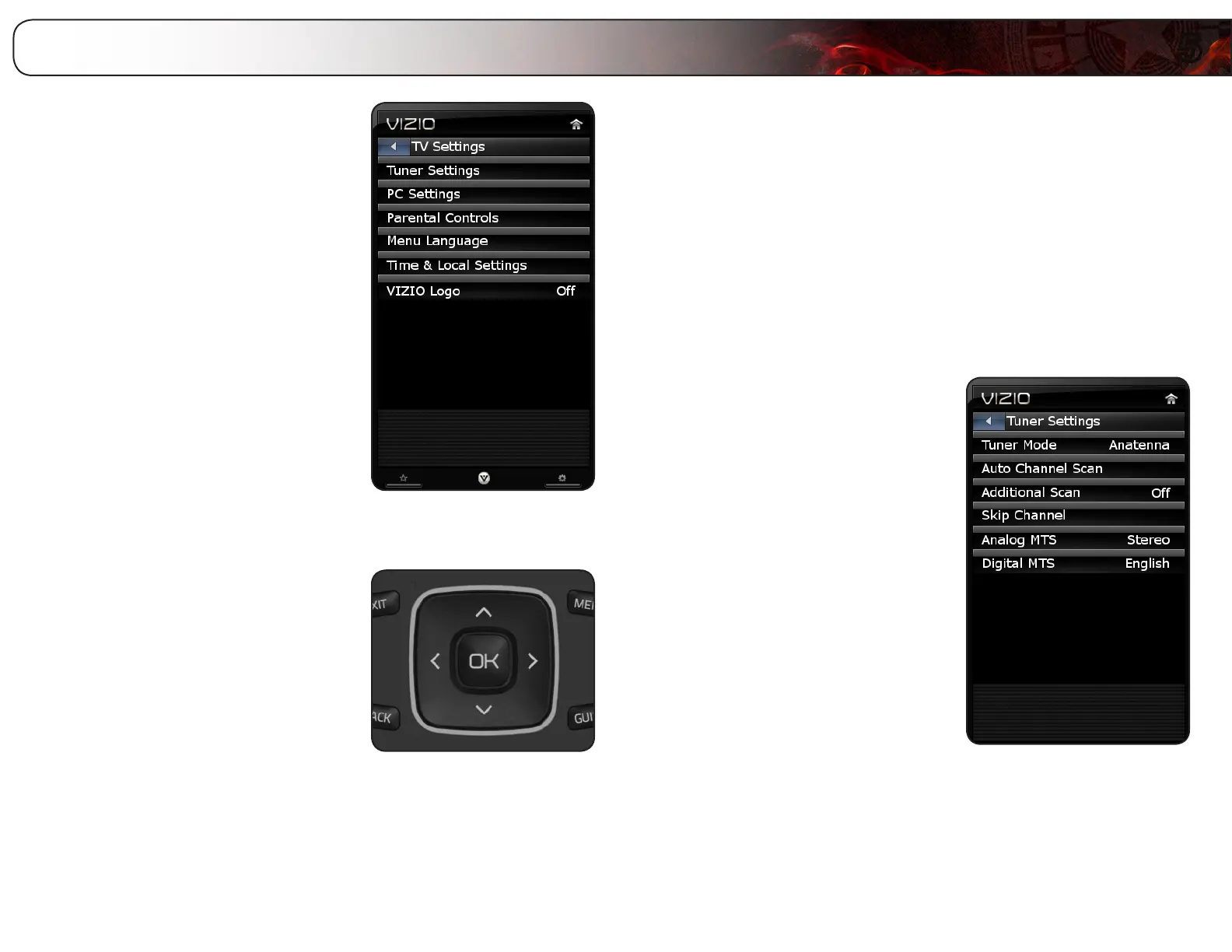
From the TV Settings Menu, you can:
• Adjustthetunersettings
• AdjusttheTVsettingsforusewith
aPC
• Setuptheparentalcontrols
• Changetheon-screenmenu
language
• ChangetheTV’sdateandtime
• TurntheVIZIOlightonoroff
Navigating the On-Screen Menu
To open the on-screen menu, press the OK
or MENU button on the remote.
Use the Arrow buttons to highlight a menu
option, and press the OK button to select
that option.
Setting Up Channels
From the tuner settings menu you can:
• Changethesignalsource
• Scanfornew/additionalchannels
• Startanewchannelscan
• Removechannelsfromthemasterlist
Changing the Tuner Mode
Using this option, you can change the signal source for the coaxial (TV) input.
To change the signal source:
1. Press the MENU button on the remote.
The on-screen menu is displayed.
2. Use the Arrow buttons on the remote
to highlight the TV icon and press OK.
The TV Settings menu is displayed.
3. Use the Arrow buttons to highlight
Tuner Settings and press OK.
4. Use the Arrow buttons to highlight
Tuner Mode.
5. Use the Arrow buttons to change the
setting to Cable or Antenna.
6. Press EXIT.
Adjusting the TV Settings


 To Next Page