VIZIO VA220E User’s Manual
Version 12/12/2008 26
www.VIZIO.com
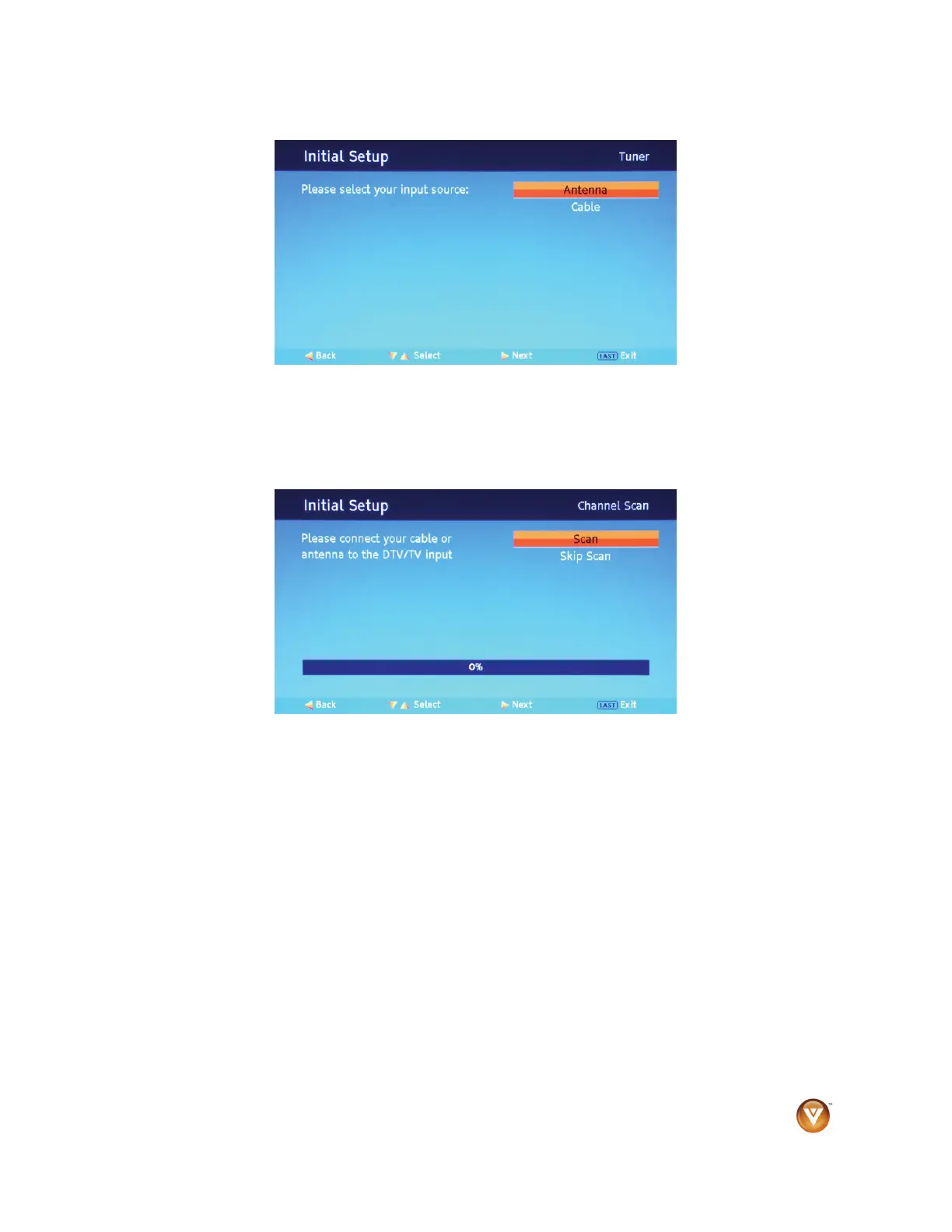
5. Press ▲ or ▼ to select your language, then press ►. The Tuner screen opens.
6. If you are using a cable or satellite set-top box, press LAST to skip to the channel scan and go to
Step 9. Otherwise, continue with Step 7 below.
7. Press ▲ or ▼ to select your input source (Antenna or Cable), then press ►. The Channel Scan
screen opens.
NOTE: Select Cable only if you receive your cable service without a set-top box.



 To Next Page