VIZIO VA220E User’s Manual
Version 12/12/2008 29
www.VIZIO.com
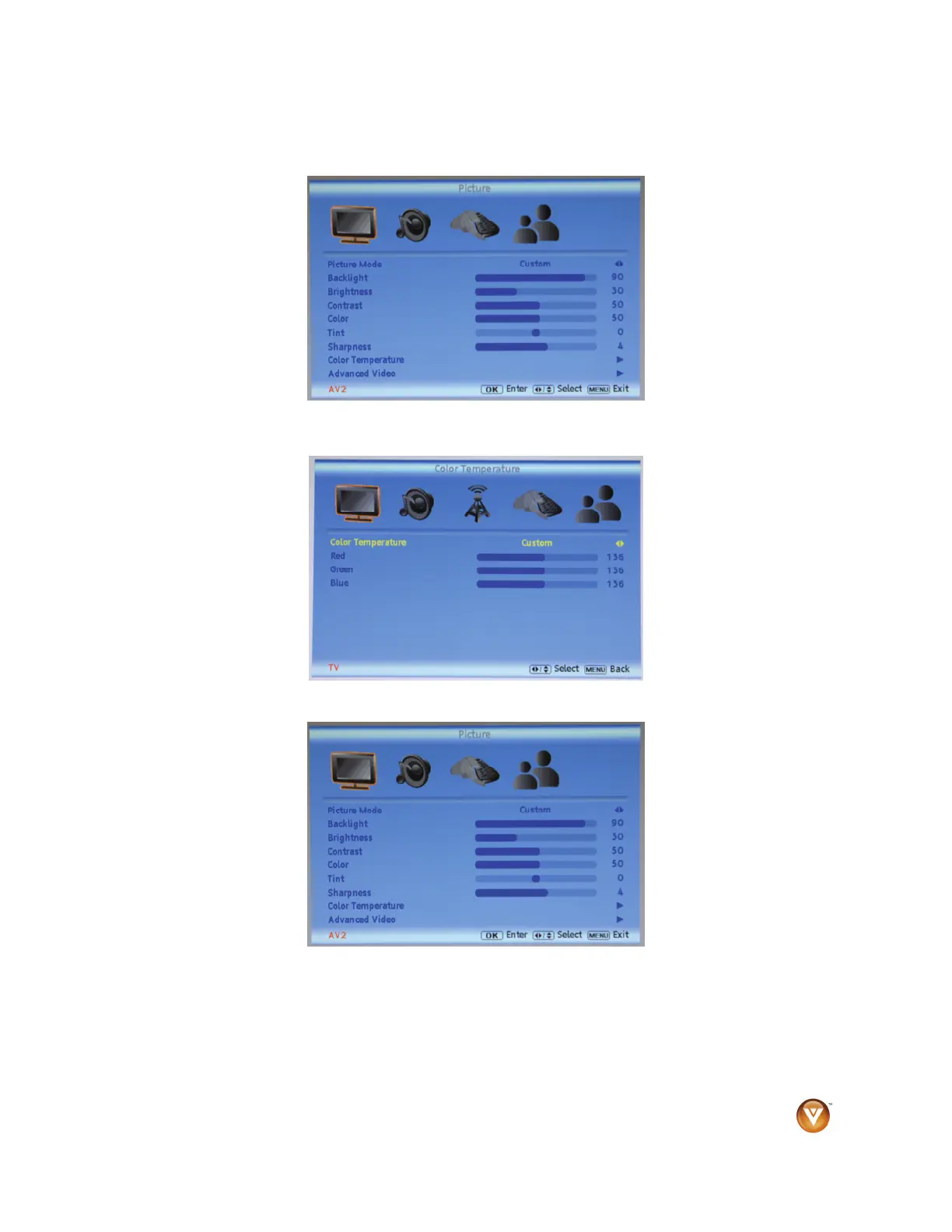
Fine-tuning the picture
1. Press MENU on the remote control. The Picture menu opens.
2. Press ▲ or ▼ to select Color Temperature, then press ►. The Color Temperature menu opens.
3. Press ◄ or ► to change select Normal, then press MENU twice to return to the Picture menu.
4. Press ▲or ▼ to select Picture Mode.
5. Press ► to select Standard.
6. Press MENU to exit the menu.



 To Next Page