VIZIO VA220E User’s Manual
Version 12/12/2008 25
www.VIZIO.com
Using your HDTV the first time
1. Connect audio and video cables from the desired components to your HDTV as described in
“Connecting Devices.”
2. Connect one end of the power cord to the power cord connector on the back of your HDTV. Then
connect the other end into a power outlet.
3. Press
on the remote control or on the side of your HDTV, then press TV to select TV mode.
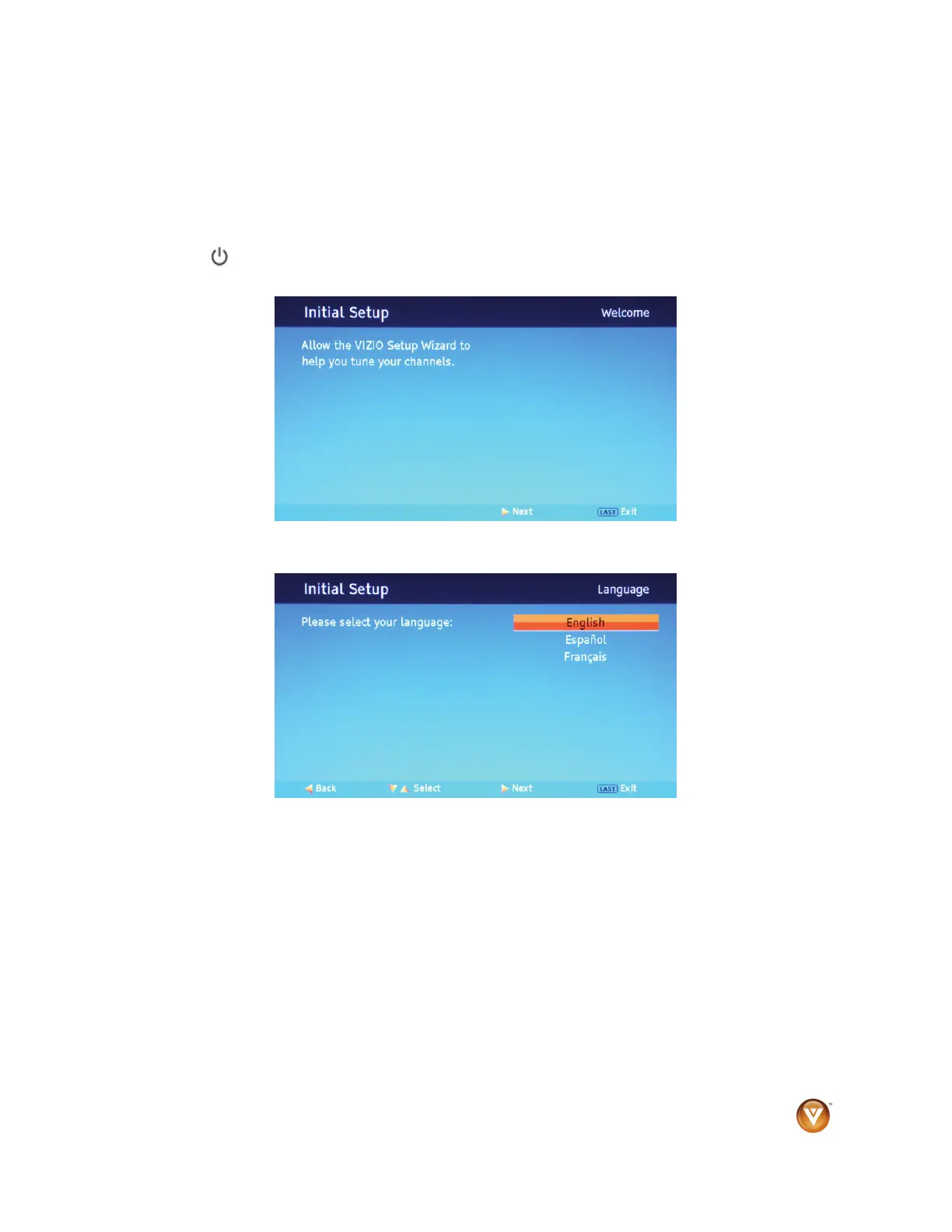
The Initial Setup Welcome screen opens on your HDTV.
4. Press ► on the remote control. The Language screen opens.



 To Next Page