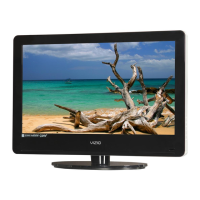
VIZIO VA26L HDTV10T User Manual
Version 6/5/2008 46
www.VIZIO.com
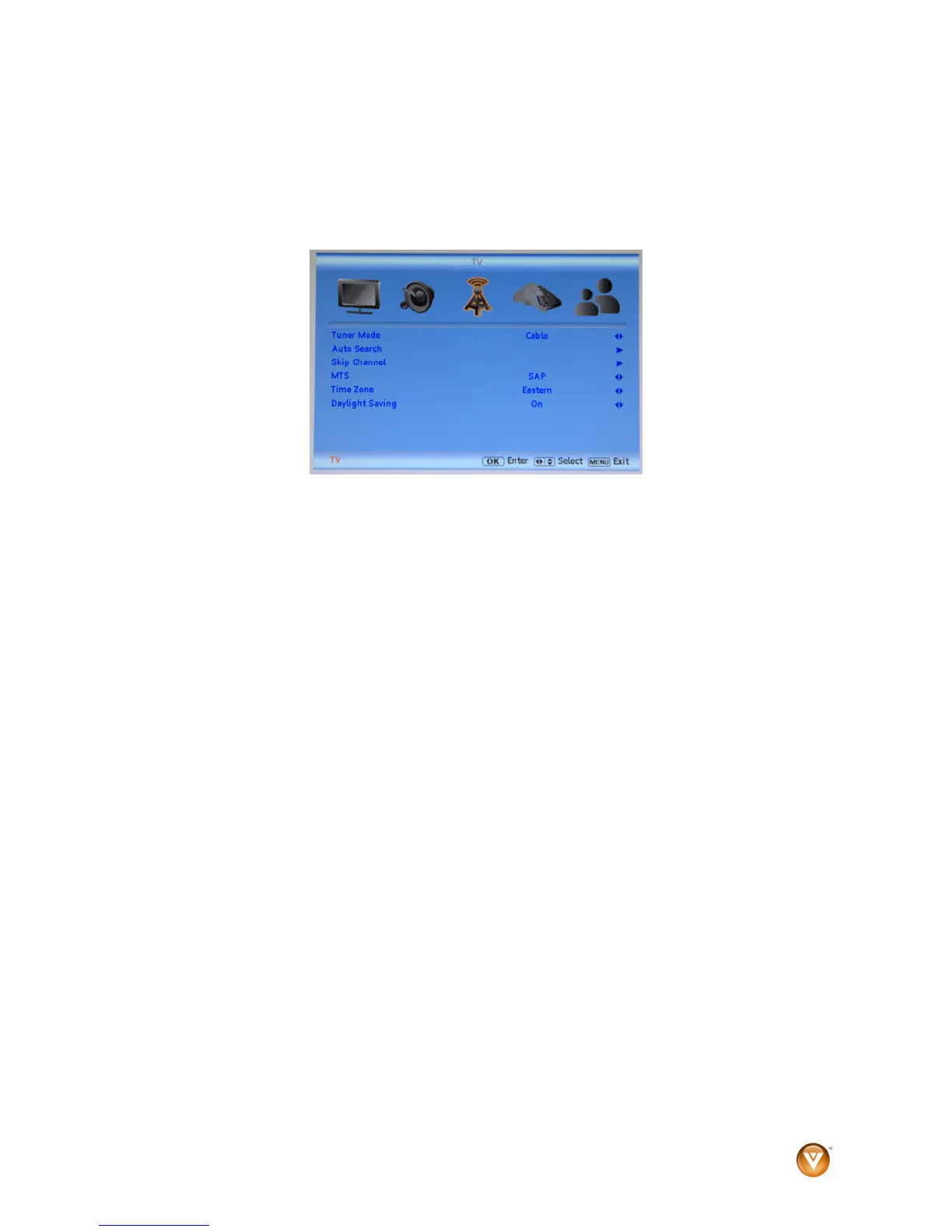
Daylight Saving
Setting the daylight saving time for your area will ensure that the correct program times are shown in the
Electronic Program Guide.
1. Press MENU on the remote control or the side of your HDTV, then press ► repeatedly until the
TV menu opens.
2. Press ▲or ▼ to select Daylight Saving, then press ◄ or ► to select On or Off.
3. Press EXIT to exit the OSD.



 To Next Page
 Loading...