12
Getting Connected
Connecting a Microphone or Instrument to the
JAMCUBE
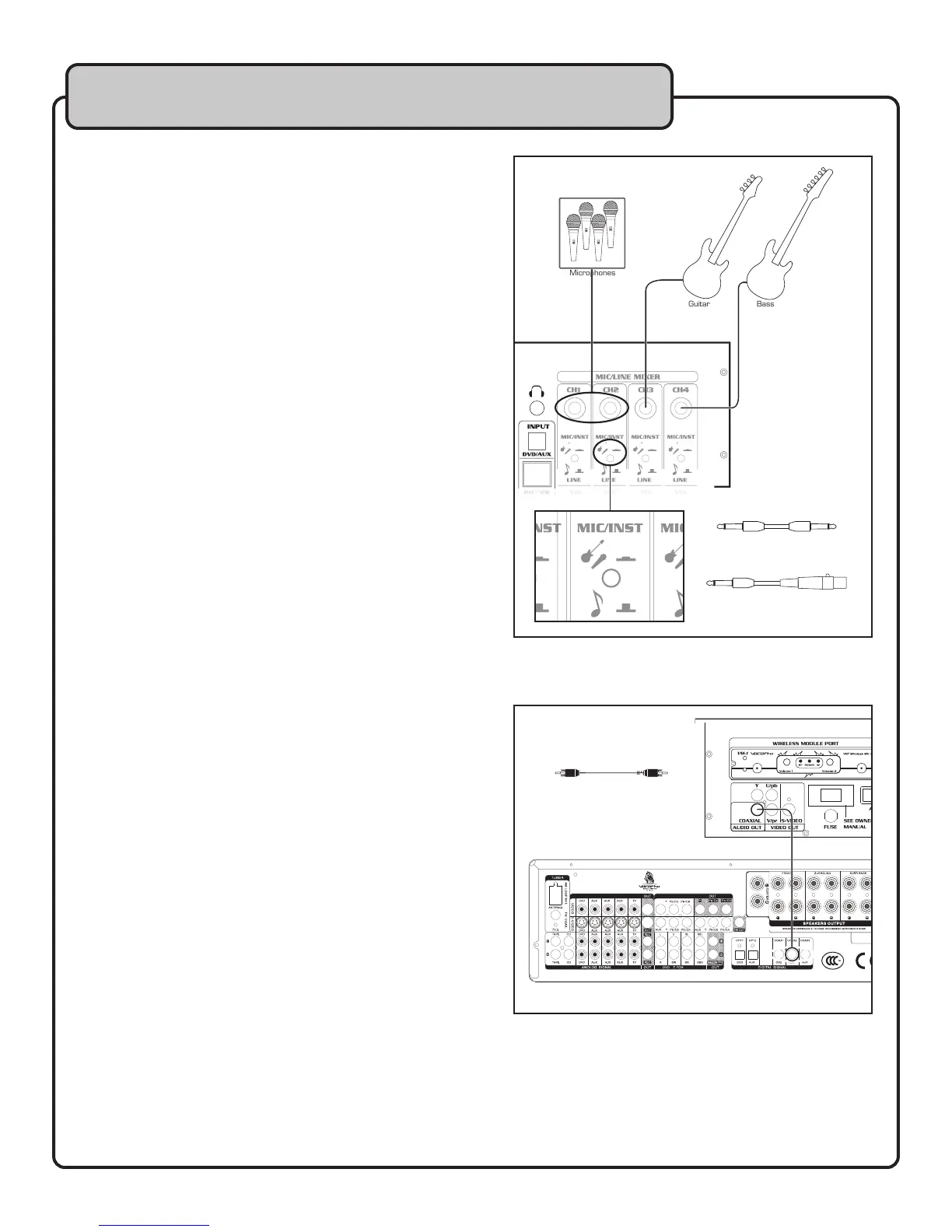
You can connect a standard high-impedance microphone,
line output from a wireless microphone system, or a musical
instrument to the 1/4” inputs on CH1-4 on the top panel.
What you will need:
• Microphone or instrument cable with a 1⁄4” plug
• Microphone device or musical instrument
To connect a microphone:
1. If connecting a handheld microphone, connect the
1⁄4” end of the microphone cable to an available
1⁄4” input on the top panel of the JAMCUBE.
2. If connecting a wireless microphone system, plug the
1⁄4” end of the line output to an available 1⁄4” input
on the top panel of the JAMCUBE.
3. Set the MIC-INST/LINE button to MIC/INST.
To connect an instrument:
1. Connect one end of the 1⁄4” instrument cable to the
instrument’s output.
2. Connect the other end of the instrument cable to an
available 1⁄4” input on the top panel of the
JAMCUBE.
3. Set the MIC-INST/LINE button to MIC/INST.
Connecting a Digital Receiver to the JAMCUBE
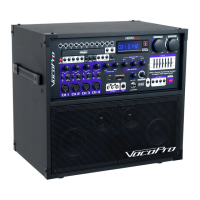
You can route a digital audio signal to a receiver or mixer using
the digital coaxial output.
What you will need:
• RCA cable
• Receiver or mixer with digital coaxial audio input
To connect to a receiver:
1. Connect one end of the RCA cable to the COAXIAL
output on the rear panel of the JAMCUBE.
2. Connect the other end of the RCA cable to a coaxial
digital audio input on your receiver or mixer.
NOTE: Microphone output is not present in this
digital signal. Microphone output is only available from
the analog RCA outputs.
Digital Receiver
IMP EDA NCE
SEL ECT
AC ~ 115V /60H z
AC ~ 230V/50Hz
MAX 1000 W
AC INL ET
SEE MANUAL TO SWITCH VOLTAGE
IN
VIDEO IN
IN IN
COMPONENT VIDEO IN
DVD
1 2 3
1 2
2
3
1 2 3
1 2 3
1
1 1 2
RCA - RCA
Cable
1/4” - 1/4”
Instrument Cable
or
1/4” - XLR-F


 To Next Page