29
System Setup Menu
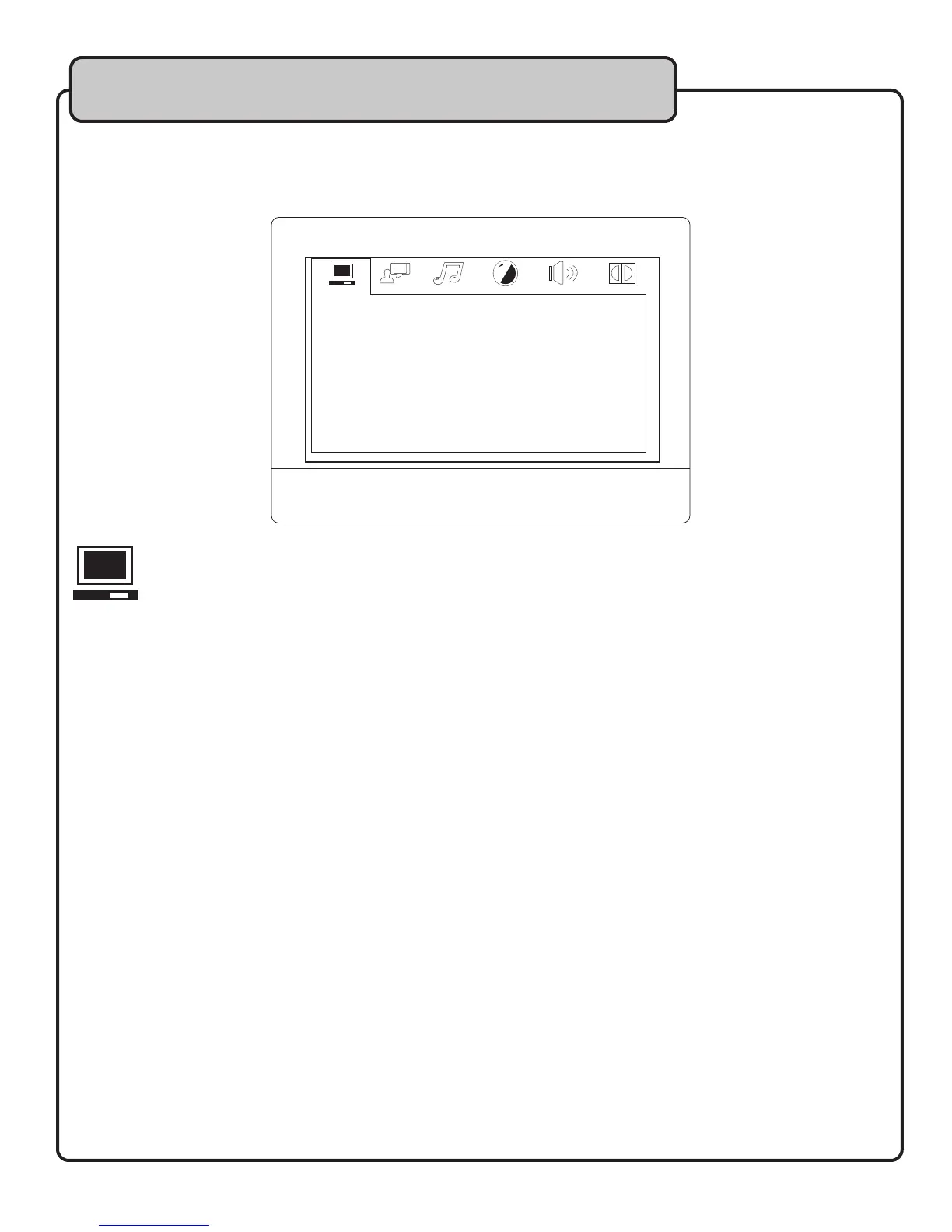
To access your preferences settings, use the SETUP button on your remote. Use the DIRECTION keys to
navigate within this menu for the specific subdirectory desired and press ENTER. The icon file tabs at the top of
the screen indicate which menu is highlighted.
1. TV SYSTEM
Use this menu to set your system preferences for regional TV system types NTSC, PAL60, PAL, or AUTO to
have your JamCube automatically find any compatible TV system.
2. SCREENSAVER
The DVD screen saver can be toggled ON/OFF. When set to ON, after a period of inactivity, the screen will
display graphics. Use DIRECTION keys to make your selection.
3. VIDEO
Refer to your TV manual to determine which type of video it supports.
You can choose between INTERLACE-YUV, TV-RGB, P-SCAN YPBPR or S-VIDEO.
4. TV TYPE
This menu actually refers to TV display mode. Choose between 4:3PS for Panoramic Screen, 4:3LB for
Letterbox, or 16:9 based on your viewing preference.
5. PASSWORD
The password to lock or unlock RATING setting is 0000. If you are a parent and want to limit the types of
DVDs viewed with the JAMCUBE, type this password using the NUMBER keys on the remote, and press
ENTER. You will see the padlock icon either open or close, affecting the ability of the user to make a selection
in the RATING mode.
6. RATING
Choose between levels of KID SAFE (1) and ADULT (8) to designate which types of DVDs you want users to
be able to view.
7. POWER RESUME
Select ON to have the JAMCUBE resume playback from the location it stopped during a prior shutdown.
8. DEFAULT
Select this RESTORE to return all system settings to their factory default settings.
TV SYSTEM
AUTO PLAY
VIDEO
TV TYPE
PASSWORD
RATING
POWER RESUME
DEFAULT


 To Next Page