17
To create a screen unlock PIN/Password
• Touch Settings > Security & location > Screen lock > PIN
or Password.
• Set your PIN or password.
To lock phone screen
Press the Power key once to lock the screen.
To unlock phone screen
Press the Power key once to light up the screen, draw the unlock
pattern you have created or enter PIN or password to unlock
the screen.
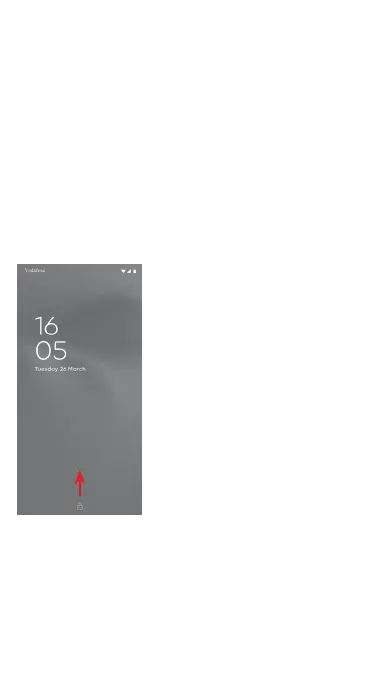
If you have chosen Swipe as the screen lock, slide upward to
unlock the screen.
To unlock your phone using facial recognition
For ease of use, you can also unlock your phone by simply
looking at it, through Settings > Security & location > Face
unlock.
• To set up facial recognition select ‘Face unlock’, and follow the
on-screen instructions.



 To Next Page