69
9.4 Open Street View for a location
1 Long press a location to display its address at the bottom of the
maps screen.
2 Drag up the details screen to sign in to save offline.
9.5 Get driving, public transportation or
walking directions
9.5.1 Get suggested routes for your trip
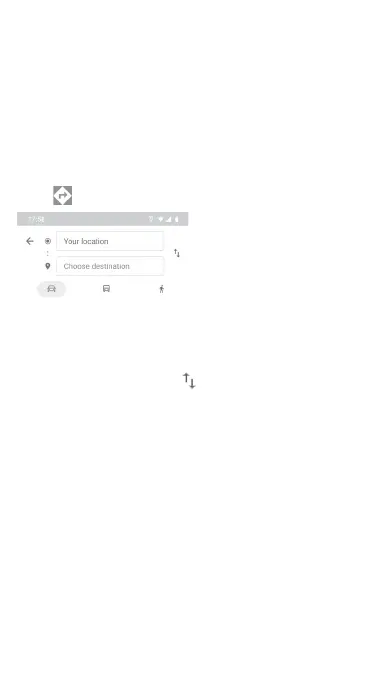
Touch icon from Maps screen.
1 Touch the enter bar to edit your start point by entering an
address or selecting a saved item.
2 Do the same for your end point.
3 To reverse directions, touch .
4 Then select a transport mode: driving by car, using public
transportation, or walking directions.
5 Touch Route options to select Avoid motorways, Avoid toll
roads or Avoid ferries.
6 A couple of suggested routes will appear in a list. Touch any
route to view its respective detailed direction.



 To Next Page