30
3.3 Contacts
You can view and create contacts on your phone and synchronise
these with your Gmail contacts or other apps on the web or on
your phone.
3.3.1 View your contacts
To access the Contacts app, touch the Application tab on the
Home screen, then select Contacts.
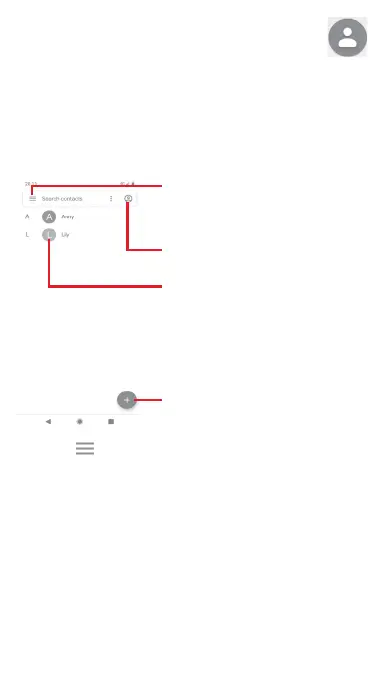
Touch icon to open the Quick Contact
panel and view the contact’s detailed
information
Contact list
Touch to add a new contact
Touch to sign in your Google account,
which allows you to manage the
synchronisation for Contacts in the Google.
Touch the key to display the contacts list option menu.
Following options are available:
Contacts
Touch to view your contacts.
Turn dark theme on
Touch to switch your screen to its dark theme.
Settings
• Your info
Set up your profile.



 To Next Page