9
1.2.3 Power off your phone
Hold down the Power key from the Home screen until the Phone
options appear, then select Power off.
1.3 Home screen
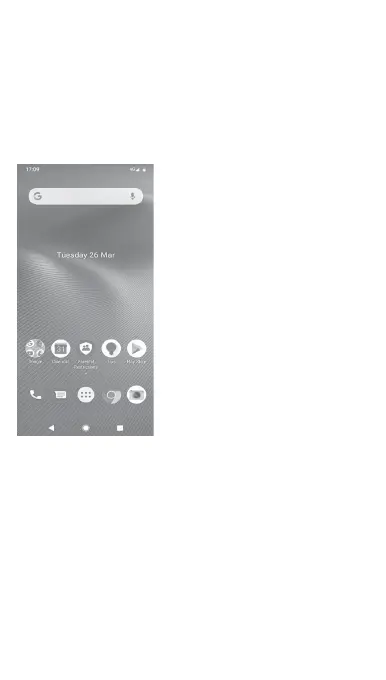
Touching the Home icon always takes you to your main Home
screen, and you can personalise all your Home screens by adding
your favourite apps, shortcuts and widgets to them.
In the standard Home screen the bottom set of icons is always
visible, whichever of your Home pages you are on. This also
includes the Application tab, which will show all your available
apps.



 To Next Page