35
You can remove an account and all associated information from
the phone. Open the Accounts screen, touch the account you
want to delete, then touch REMOVE ACCOUNT to confirm.
Sync
To synchronise an account on Accounts screen, touch next
to Automatically sync data.
4 Messaging & Email
4.1 Messaging
Your phone can create, edit and receive chat, SMS and MMS
messages.
Go to the Home page and touch the icon in the Favourites tray
if available, or touch the Application tab from the Home screen,
then touch .
4.1.1 Create a new message
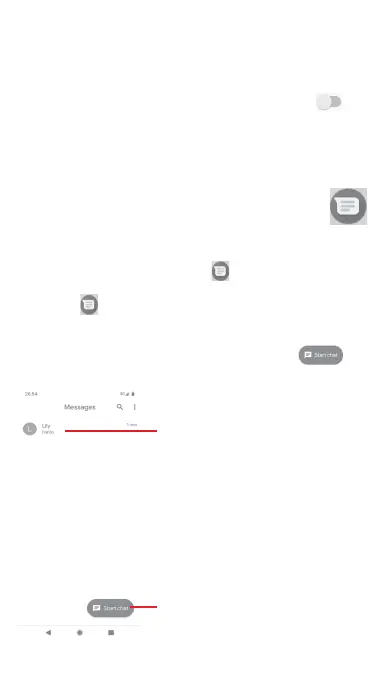
On the message list screen, touch the new message icon
to write new text/multimedia messages.
Touch to create a new message
or a new group chat
• Touch to view the whole message thread
• Long press message threads to access
other options available with this contact



 To Next Page