34
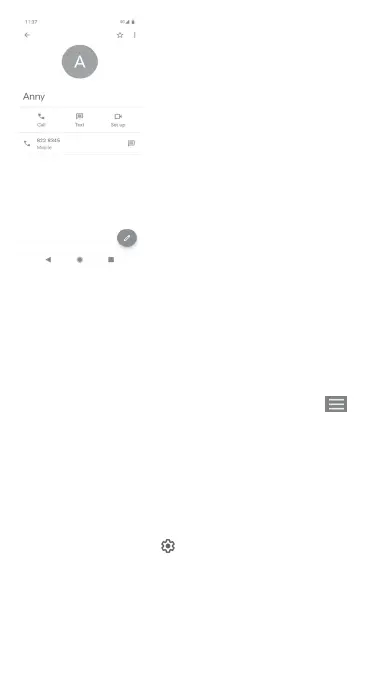
The icons available on the Quick Contact panel depend on the
information you have for the contact and the applications/
accounts on your phone.
Sharing contacts
You can share a single contact or contacts with others via
Bluetooth, Gmail, etc.
To do this, touch a contact you want to share, touch the key
and Share from the contact details screen, then select the app to
perform this action.
3.3.5 Synchronising contacts in multiple accounts
Contacts, data or other information can be synchronised from
multiple accounts, depending on the apps installed on your
phone.
To add an account, touch on the Quick settings bar to get to
Settings, then touch Accounts.
You'll be asked to select the kind of account you are adding, like
Google, Exchange, etc.
As with other account setups, you need to enter detailed
information, like username, password, etc.



 To Next Page