46
5.3 Calculator
With the Calculator you can solve many mathematical problems.
To open it, touch the Application tab from the Home screen, then
touch Calculator.
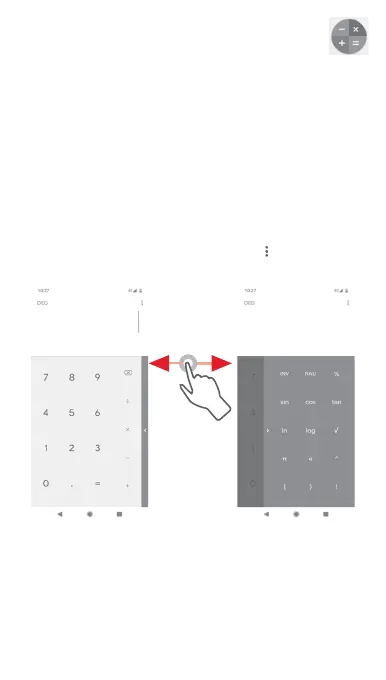
There are two panels available: Basic panel and Advanced panel.
To switch between panels, select one of the following two ways:
• Touch and drag the basic screen to the left to open the
Advanced panel.
• Or turn the phone to the landscape mode from the basic panel
to open the Advanced panel
(1)
.
To view the calculation history, touch the key, then select
History.
(1)
If "Settings\Display\Auto-rotate screen” is off, this item will not
display.



 To Next Page