67
9 Maps
9.1 Get My Location
9.1.1 Turn on GPS
To turn on your phone’s global positioning system (GPS) satellite
receiver:
1 Touch on the Quick settings bar to go to Settings.
2 Touch Security & location > Location.
3 Touch the switch beside Location to turn GPS on or off.
9.1.2 Open Maps Go and view My Location
Touch the Application tab from the Home screen, then touch
Maps.
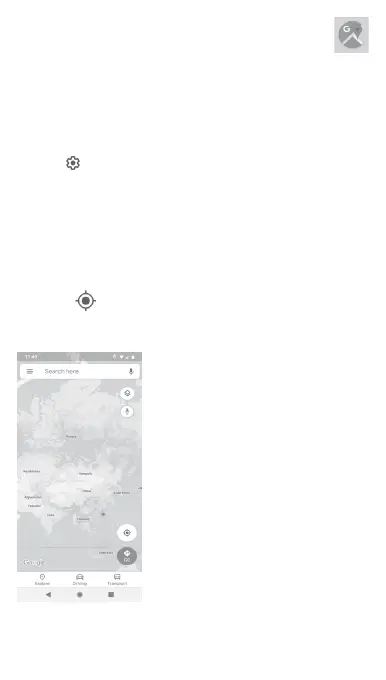
Touch the icon on the map to view My Location.
The map will then centre on a blue dot. Your actual position will be
at the blue dot.
To move the map, drag the map with your finger.



 To Next Page