25
If you receive a voicemail, a voicemail icon appears on the
Status bar. Open the Notification panel, touch New voicemail.
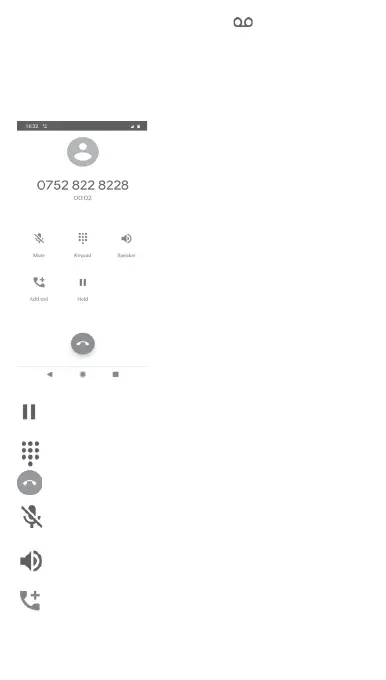
3.1.4 During a call
To adjust the volume during a call, press the Volume up/down
key.
Touch to hold the current call. Touch this icon again to
retrieve the call.
Touch to display the dial pad.
Touch to end the current call.
Touch to mute the current call. Touch this icon again to
unmute the call.
Touch to activate the speaker during the current call.
Touch this icon again to deactivate the speaker.
Touch to place a call to another contact.



 To Next Page