64
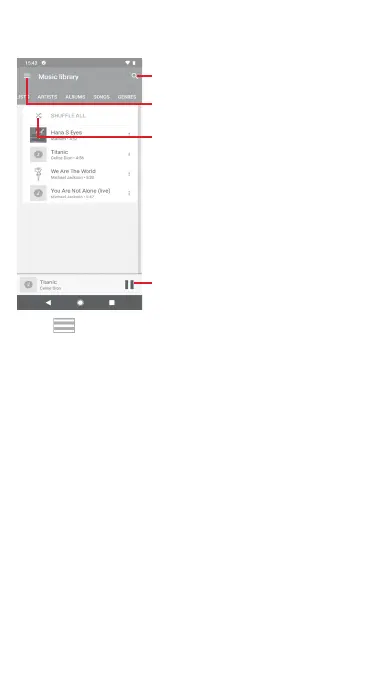
8.3.1 Playing music
Touch a song to play it.
Touch to play the current playlist
in shuffle mode (tracks are played
in random order)
Touch to select Listen now or
Music Library
Touch to search music
Touch to pause/resume playback
Touch key to get to Settings
ACCOUNT
Touch to choose an account.
PRIVACY & LOCATION
Manage Play Music history
Touch to manage your play music history.
Manage Activity Controls
Touch to manage activity controls with the app.
Manage Google Location History
Touch to manage Google Location History.



 To Next Page