7
Insert the pin into the hole and pull out the tray. Place two SIM
cards or one SIM card and a microSD card (optional) with the chip
facing downwards on the tray, and put the tray into the phone.
Make sure that it is correctly inserted. To remove the SIM card or
microSD card, pull out the tray.
•YourphoneonlysupportsnanoSIMcardsandFAT32SD
card. Do not attempt to insert other SIM types like mini
or micro cards and other SD card formats like exFAT or
NTFS, as you may damage your phone.
•Availability of single or dual SIM card depends on
markets.
Charging the battery
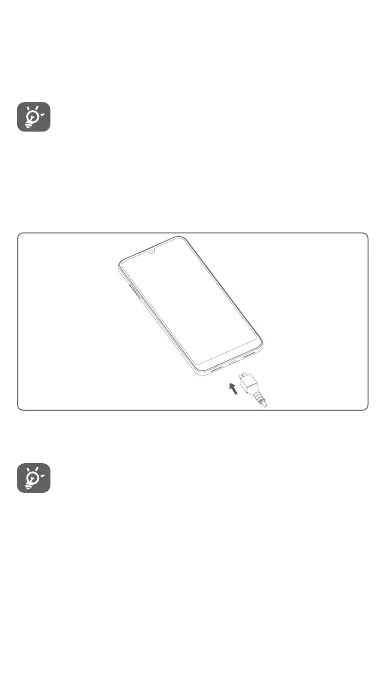
To charge the battery, connect the charger to your phone and
main socket. You can also charge your phone via a USB cable.
To reduce your phone’s power consumption, switch off
Wi-Fi, GPS, Bluetooth or apps running in the background
when not needed. In Settings you can also lower the
brightness of the screen, and shorten the length of time
before the screen goes to sleep.
1.2.2 Power on your phone
Hold down the Power key until the phone powers on. It will take
a few seconds before the screen lights up. Swipe to unlock your
phone, or use the PIN, Password, Pattern if you have set this up
already.



 To Next Page