83
Mode 13
Function Logs data immediately and circularly.
Should you wish an additional stop mode you choose:
Logging stops after PDF report generation.
Setting • Select “CIRCULAR LOGGING” as “RECORD START
CONDITION”.
• Select “AFTER PDF CREATED” as “STOP STYLE”.
• For mode 1 to 13, you can apply an additional function to delay the
logging start time. Enter minute(s) value in “START DELAY MINUTES”
during conguration setting.
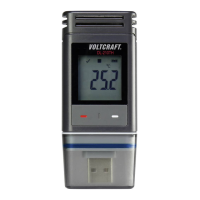
b) LC display indication
• Some settings do not have any indication on LC display. In order to
review settings, please refer to “g) Review conguration settings” on
page 78.
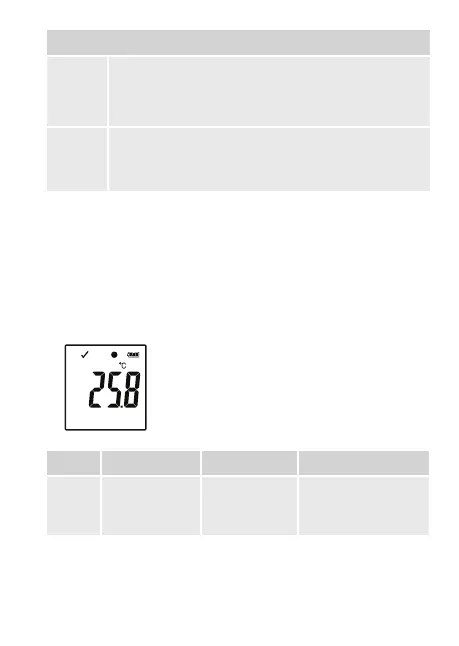
•
If there is not any display indicator or once the data
logger starts/stops recording, the latest measurement
is shown on display.
Mode Start mode Stop mode Remarks
1
no display
indicator
not applicable
When memory is full,
red LED control light
(2) is ashing.


 To Next Page