3.1.2 Rear Panel
Figure 3-2 Rear panel overview
①
Network (LAN)
The power supply
can be connected to the network for
remote control via this connector.
②
Connect as a "slave device" with an external USB device, such
as connect the instrument to a PC.
③
Connect the power supply with external equipment as serial
port.
④
⑤
⑥
3.1.3 User Interface
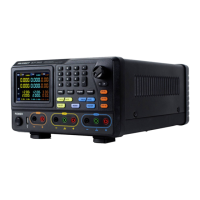
When the output mode is in independent output, or channel tracking mode, there are
two display modes: All channel mode (CH1 & CH2 & CH3), Dual channel mode (CH1 &
CH2). Press the Mode panel key to switch between the modes.
All Channel Mode


 To Next Page