4.Advanced User Guidebook
How to Set the Vertical System
The VERTICAL CONTROLS includes three menu buttons such as CH1, CH2,
CH3, CH4 and Math, and two knobs such as Vertical Position, Vertical
Scale.
Setting of CH1 – CH4
Each channel has an independent vertical menu and each item is set
respectively based on the channel.
To turn waveforms on or off (channel, math)
Pushing the CH1, CH2, CH3, CH4 or Math buttons have the following effect:
• If the waveform is off, the waveform is turned on and its menu is displayed.
• If the waveform is on and its menu is not displayed, its menu will be
displayed.
• If the waveform is on and its menu is displayed, the waveform is turned off
and its menu goes away.
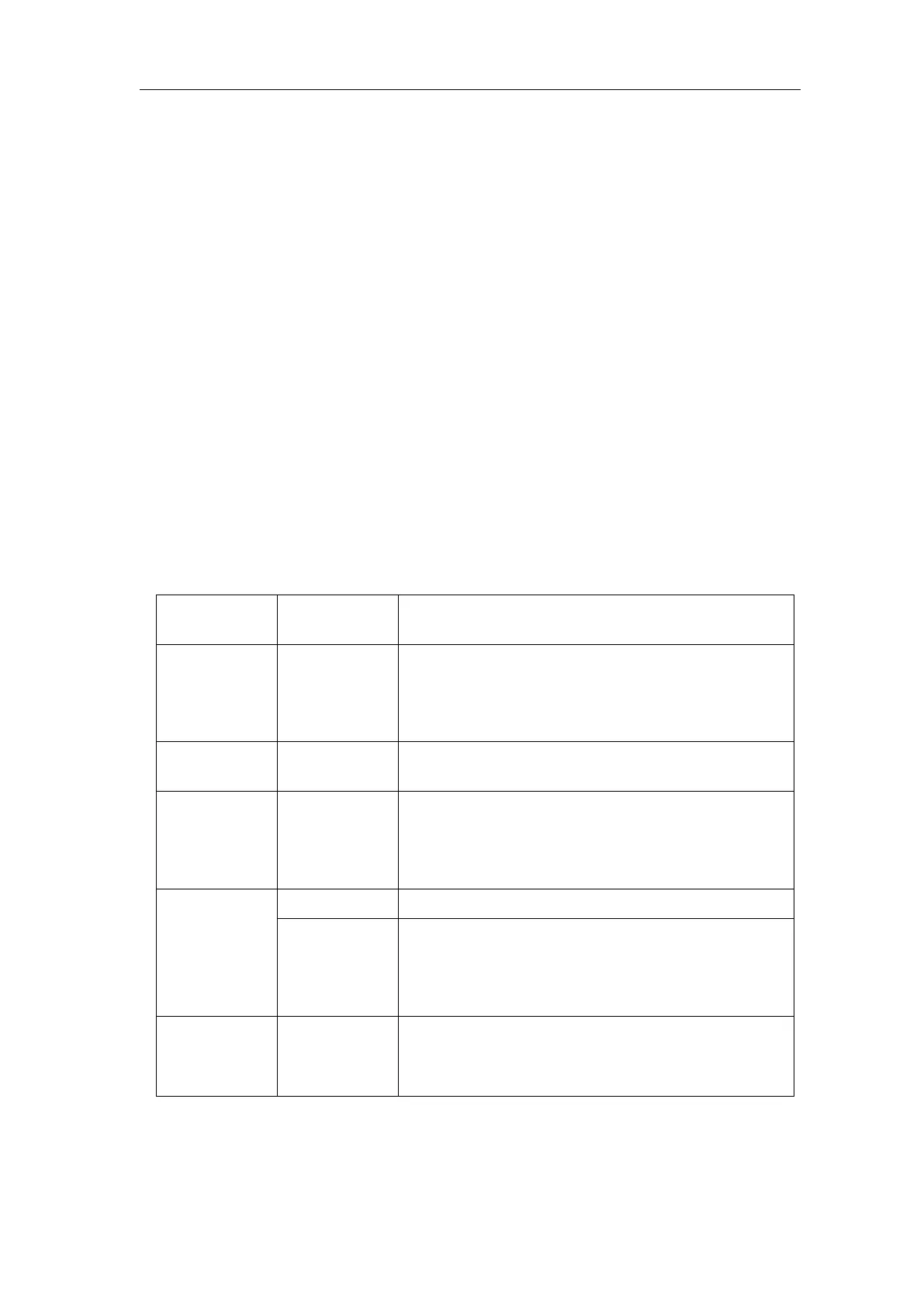
The description of the Channel Menu is shown as the following list:
Pass both AC and DC components of the input
signal.
Block the DC component of the input signal.
Disconnect the input signal.
Display inverted waveform.
Display original waveform.
Match this to the probe attenuation factor to
have an accurate reading of vertical scale.
Turn the M knob to set the Amps/Volts ratio.
The range is 100 mA/V - 1 KA/V.
Amps/Volts ratio = 1/Resistor value
Volts/Amp ratio is automatically calculated.
Get full bandwidth.
Limit the channel bandwidth to 20MHz to
reduce display noise.
1. To set channel coupling
Taking the Channel 1 for example, the measured signal is a square wave
signal containing the direct current bias. The operation steps are shown as












 To Next Page