4.Advanced User Guidebook
Single trigger: Use a trigger level to capture stable waveforms in two
channels simultaneously.
Alternate trigger: Trigger on non-synchronized signals.
The Single Trigger, Alternate Trigger menus are described respectively as
follows:
Single Trigger
Single trigger has two types: edge trigger, video trigger.
Edge Trigger: It occurs when the trigger input passes through a specified voltage
level with the specified slope.
Video Trigger: Trigger on fields or lines for standard video signal.
The two trigger modes in Single Trigger are described respectively as follows:
1. Edge Trigger
An edge trigger occurs on trigger level value of the specified edge of input signal.
Select Edge trigger mode to trigger on rising edge or falling edge.
Push the Trigger Menu button to display the Trigger menu on the right. Select
Type as Single in the right menu. Select Single as Edge in the right menu.
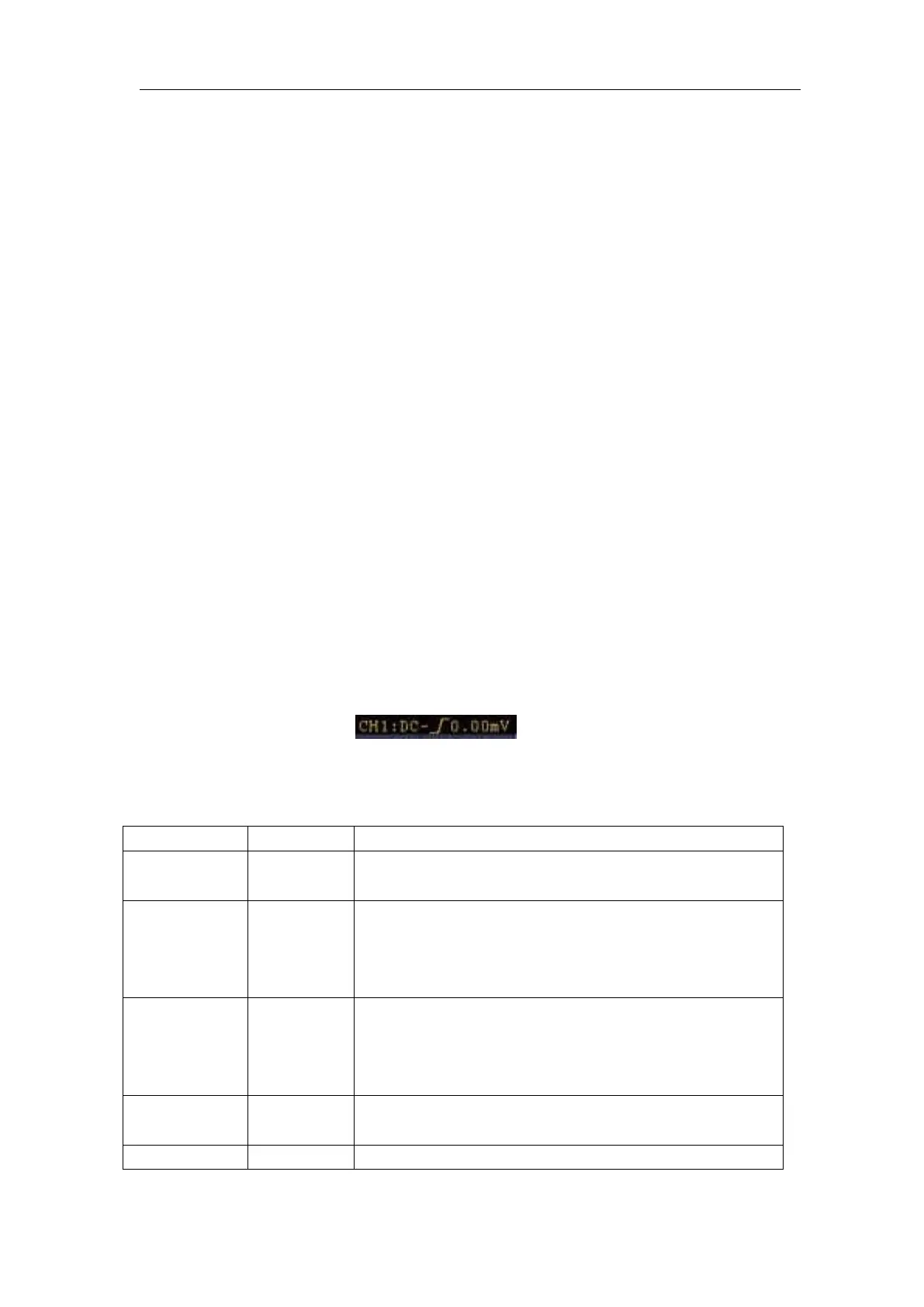
In Edge Trigger mode, the trigger setting information is displayed on bottom right
of the screen, for example,
,indicates that trigger type is edge,
trigger source is CH1, coupling is DC, and trigger level is 0.00mV.
Edge menu list:
Set vertical channel single trigger type as edge
trigger.
Channel 1 as trigger signal.
Channel 2 as trigger signal.
Channel 3 as trigger signal.
Channel 4 as trigger signal.
Acquire waveform even no trigger occurs
Acquire waveform when trigger occurs
When trigger occurs, acquire one waveform then
stop
Block the direct current component.
Allow all component pass.












 To Next Page