4.Advanced User Guidebook
Trigger on rising edge
Trigger on falling edge
100 ns - 10 s, turn the M knob to set time interval
before another trigger occur.
Set Holdoff time as default value (100 ns).
Trigger Level: trigger level indicates vertical trig position of the channel, rotate trig
level knob to move trigger level, during setting, a dotted line displays to show trig
position, and the value of trigger level changes at the right corner, after setting,
dotted line disappears.
2. Video Trigger
Choose video trigger to trigger on fields or lines of NTSC, PAL or SECAM standard
video signals.
Push the Trigger Menu button to display the Trigger menu on the right. Select
Type as Single in the right menu. Select Single as Video in the right menu.
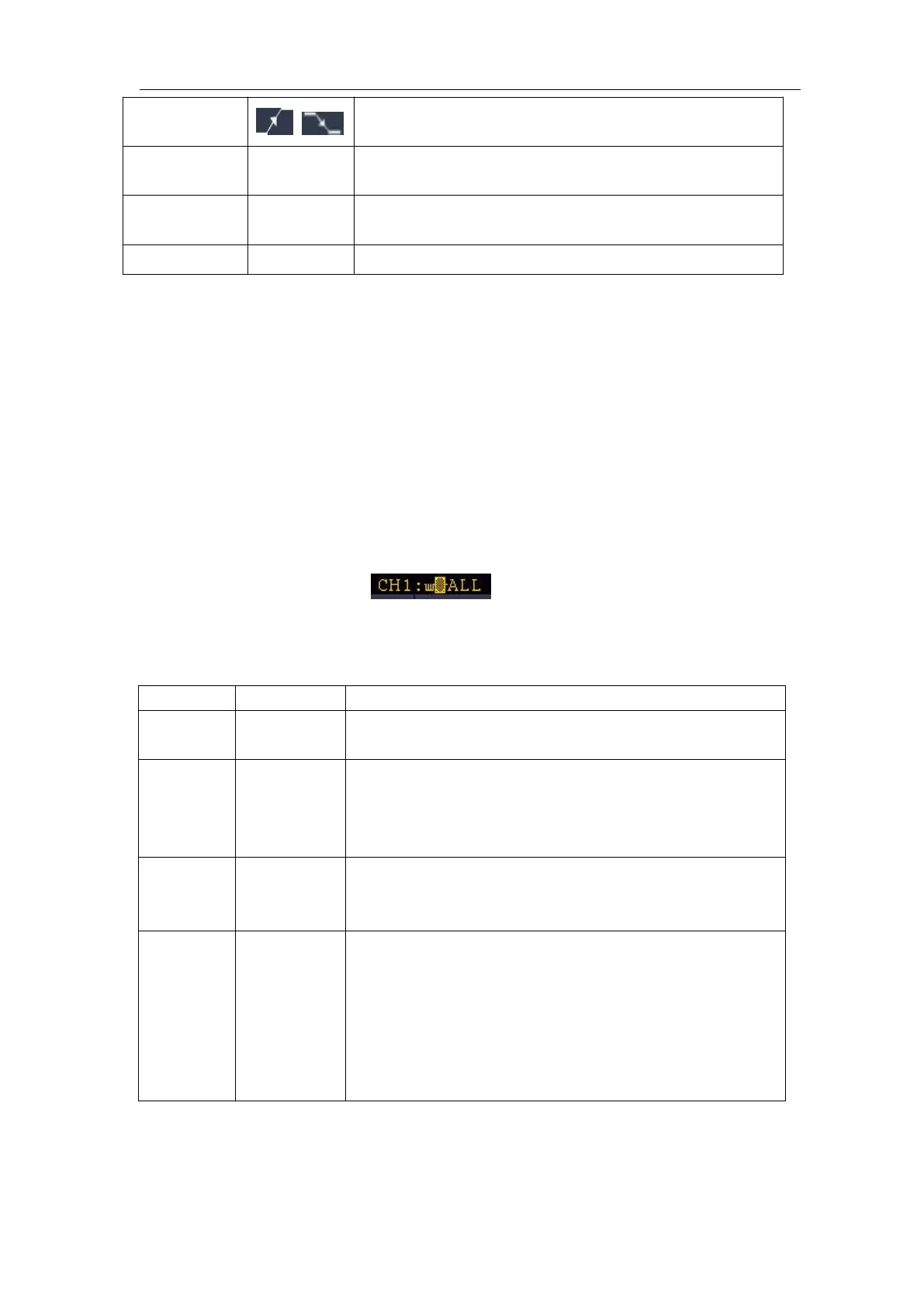
In Video Trigger mode, the trigger setting information is displayed on bottom right
of the screen, for example,
,indicates that trigger type is Video,
trigger source is CH1, and Sync type is Even.
Video Trigger menu list:
Set vertical channel single trigger type as video
trigger.
Select CH1 as the trigger source
Select CH2 as the trigger source
Select CH3 as the trigger source
Select CH4 as the trigger source
Synchronic trigger in video line
Synchronic trigger in video field
Synchronic trigger in video odd filed
Synchronic trigger in video even field
Synchronic trigger in designed video line. Press
Line NO. menu item, turn the M knob to set the line
number.












 To Next Page