4.Advanced User Guidebook
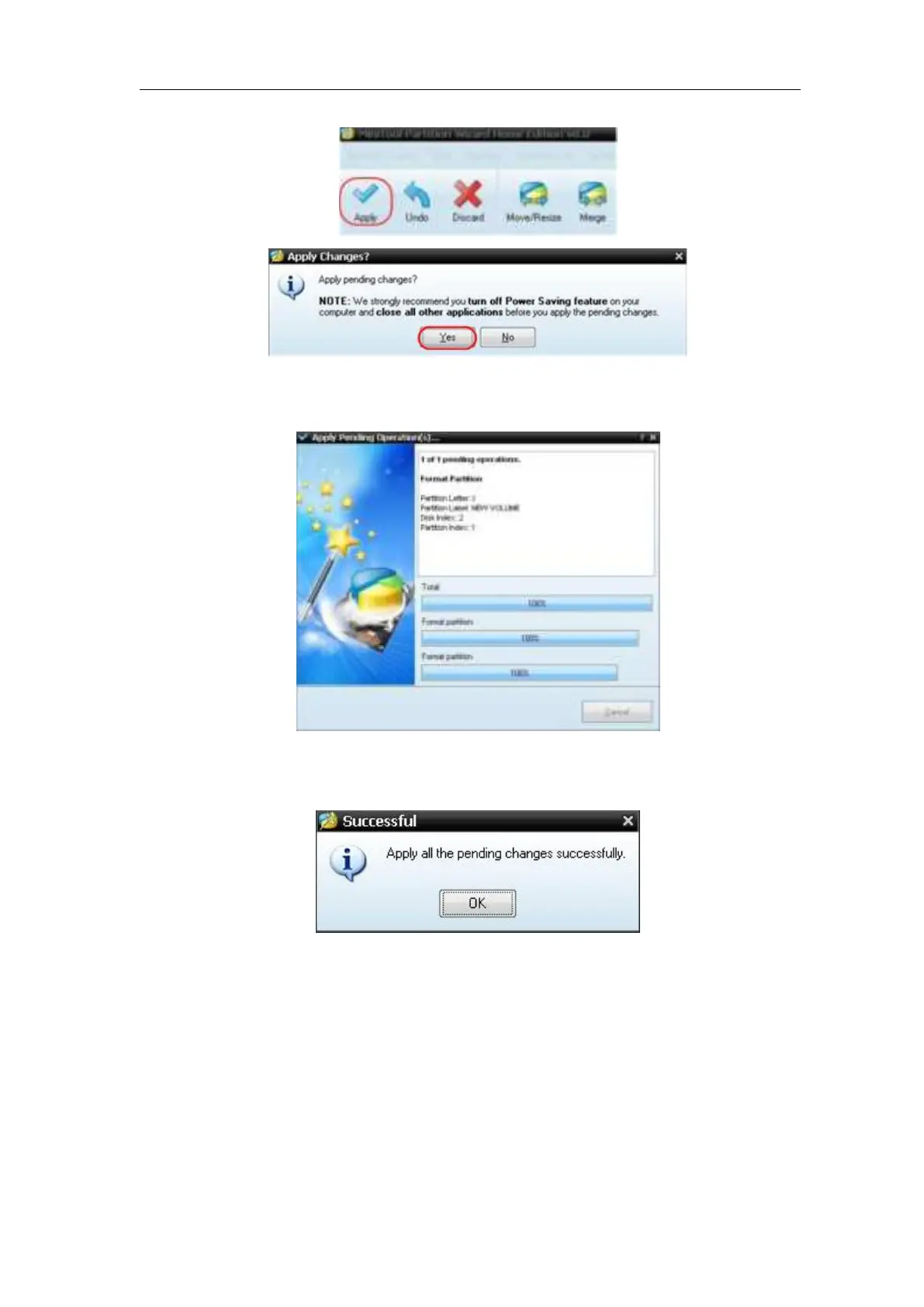
to begin formatting.
Figure 4- 9: Apply setting
7. Formatting process
Figure 4- 10: Format process
8. Format the USB disk successfully
Figure 4- 11: Format successfully
How to Implement the Auxiliary System Function Setting
●Config
Push the Utility button, select Function in the right menu, select Configure in
the left menu.
The description of Configure Menu is shown as the follows:












 To Next Page