4.Advanced User Guidebook
●Display
Push the Utility button, select Function in the right menu, select Display in the
left menu.
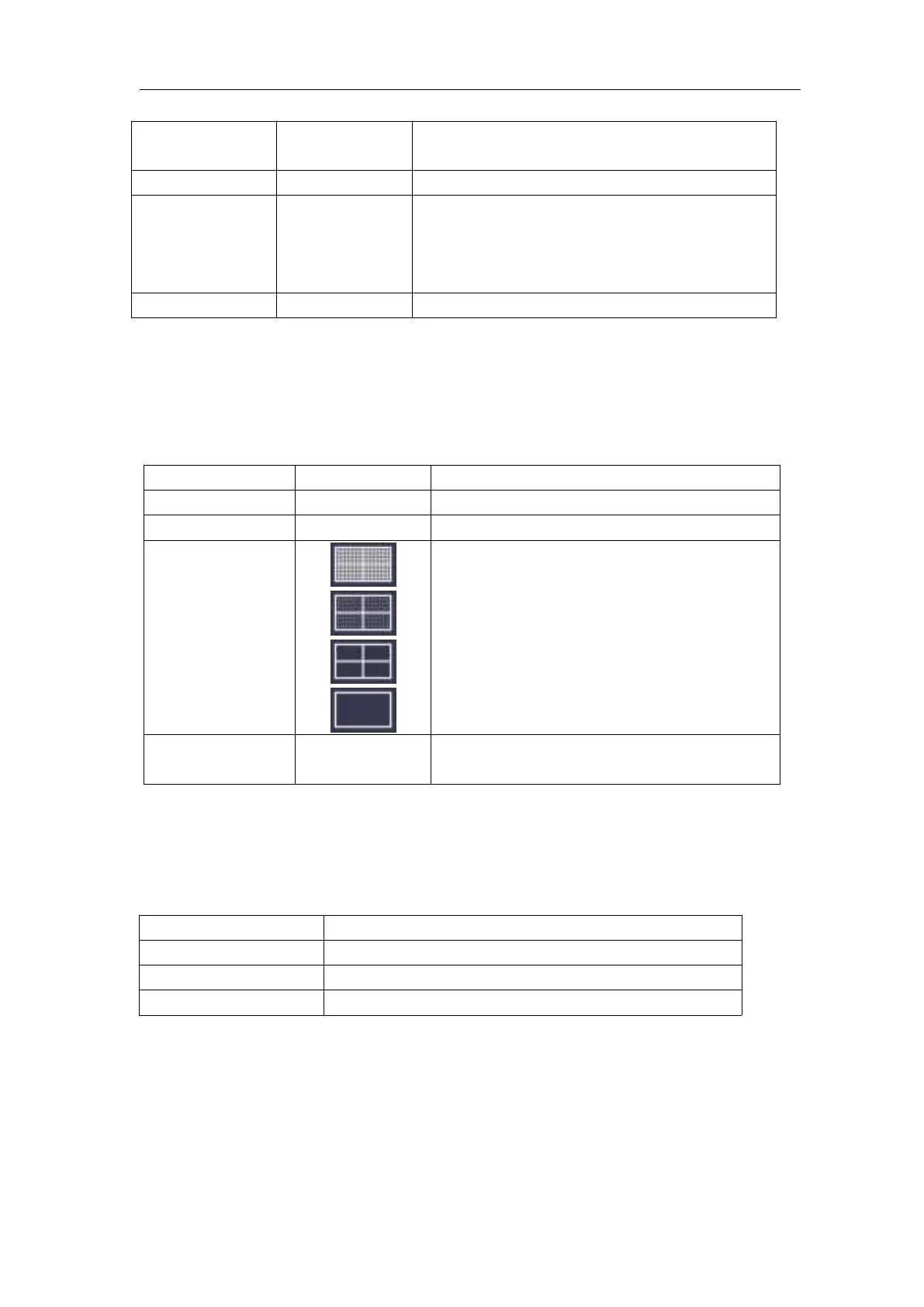
The description of Display Menu is shown as the follows:
●Adjust
Push the Utility button, select Function in the right menu, select Adjust in the
left menu.
The description of Adjust Menu is shown as the follows:
Do Self Cal (Self-Calibration)
The self-calibration procedure can improve the accuracy of the oscilloscope
under the ambient temperature to the greatest extent. If the change of the
ambient temperature is up to or exceeds 5 ℃ , the self-calibration procedure
should be executed to obtain the highest level of accuracy.
Before executing the self-calibration procedure, disconnect all probes or wires
Lock all keys. Unlock method: push
Trigger Menu button in trigger control
area, then push Force button, repeat 3
times.
Show the version and serial number
Turn the M knob to adjust the backlight.
Turn the M knob to set the disappear
time of menu
Carry out the self-calibration procedure.
Call out the factory settings.
Check whether probe attenuation is good.












 To Next Page