6.Demonstration
these noise. Here is how we do it:
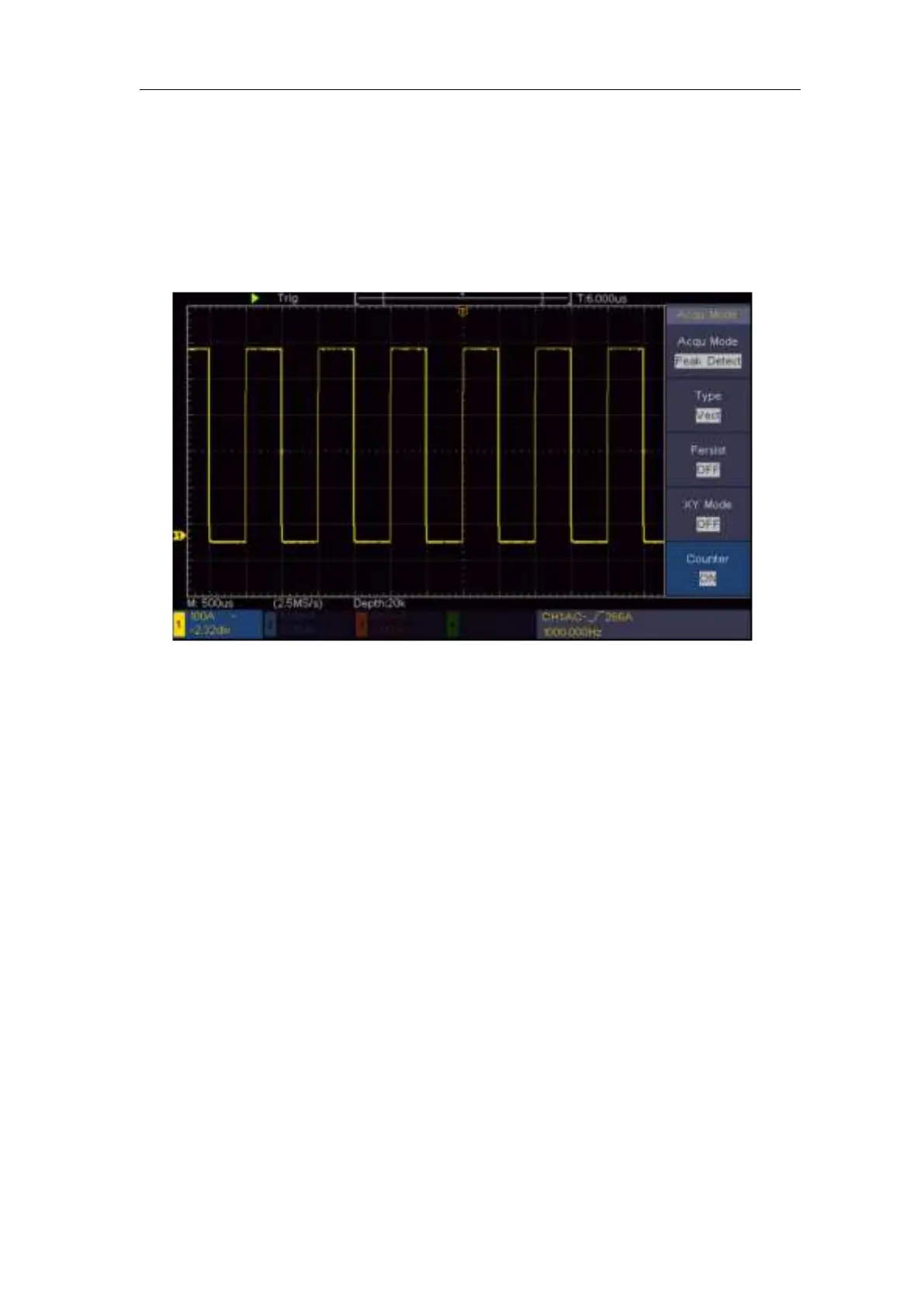
(1) Push the Acquire button to display the right menu.
(2) In the right menu, select Acqu Mode as Peak Detect.
The signal displayed on the screen containing some noise, by turning on Peak
Detect function and changing time base to slow down the incoming signal, any
peaks or burr would be detected by the function (see Figure 6- 4).
Figure 6- 4 Signal with Noises
Separate Noises from the Signal
When focusing on signal itself, the important thing is to reduce the noise level
as lower as possible, this would enable user to have more details about the
signal. The Average function offered by our Oscilloscope can help you to
achieve this.
Here are the steps for how to enable Average function.
(1) Push the Acquire button to display the right menu.
(2) In the right menu, select Acqu Mode as Average.
(3) Turn the M knob and observe the waveform obtained from averaging the
waveforms of different average number.
User would see a much reduced random noise level and make it easy to see
more details of the signal itself. After applying Average, user can easily identify
the burrs on the rising and falling edges of some part of the signal (see Figure
6- 5).












 To Next Page