above the button shows which engine is chosen, green
lamp for starboard engine and red lamp for port engine.
Lamp off: Menu inactivated.
Lamp lit: Menu activated.
Multifunction Button
With the multifunction button the instruments and pan-
els backlighting is adjusted.
Push the button for over a second to turn the back-
lighting on or off. The backlighting can be adjusted in
five stages by repeatedly pushing the multifunction
button quickly (less than 1 second).
If the button is pressed on an inactive station, operating
information is shown on the display(s) and the menu
structure is activated.
Back Button
Used to return a step up in the menu structure.
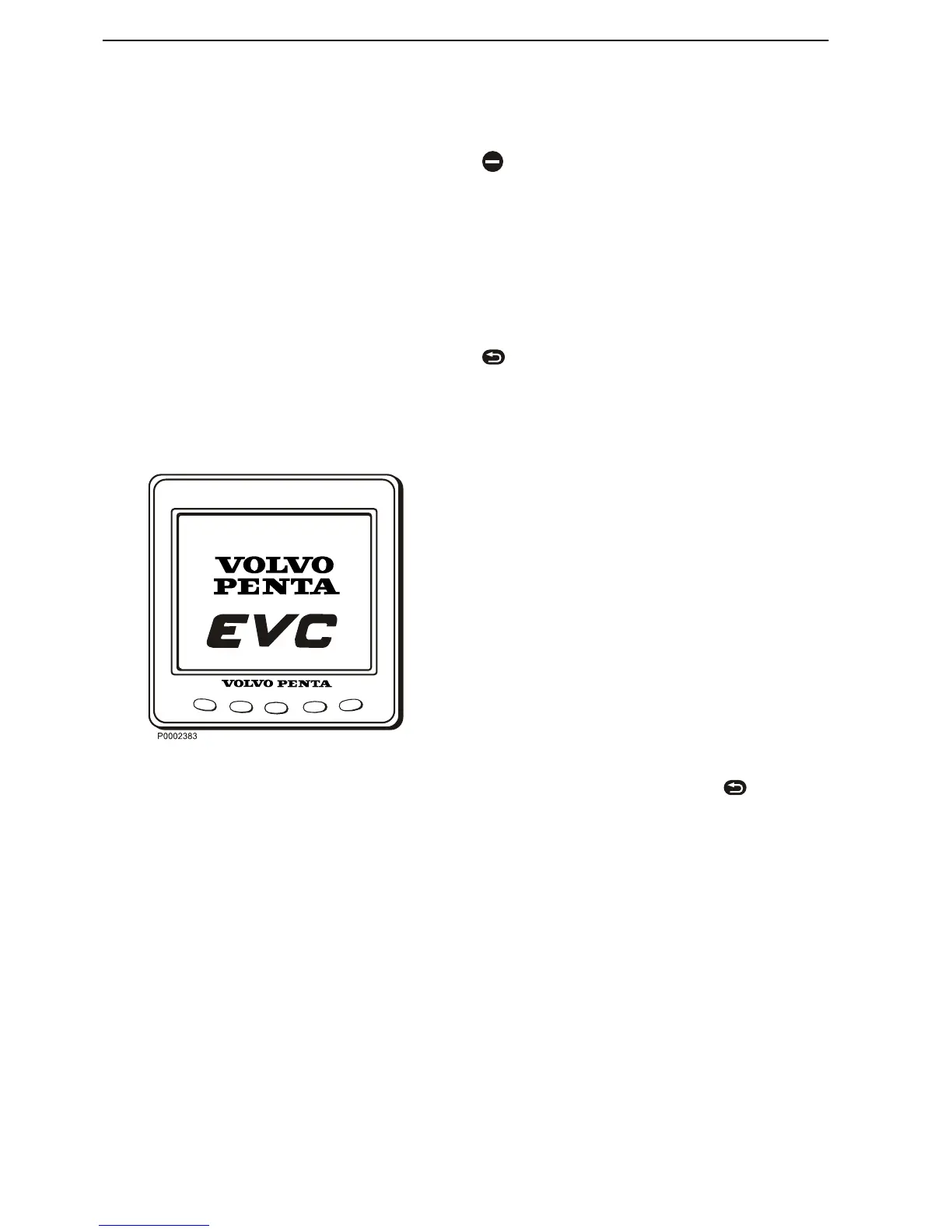
EVC System Display
In the EVC system display it is possible to show mul-
tiple windows with different information. There are four
display modes which can be chosen using the buttons
on the instrument.
Button 1–4 shows the different display modes. Button
5 i used to adjust the contrast and to access the con-
figuration menu, please refer to section Configuration
menu.
The EVC menu can be shown in the display by entering
System information, refer to section Multi, button 2, or
the Configuration menu. In this mode the display works
the same way as the display in the tachometer and is
handled via the separate control panel, please refer to
section Instruments and Controls page 19.
If no tachometer is installed the EVC meny can be
reached by pressing the knob on the control panel. To
get back to the display modes, press
.
At start up, the display performs a self-test. If an con-
stant signal is heard, the system has discovered a
malfunction. The display will work but may act in an
unexpected way.
NOTICE! Only installed functions will be shown in the
display.
Instruments and Controls
14 7748887 04-2008











 To Next Page