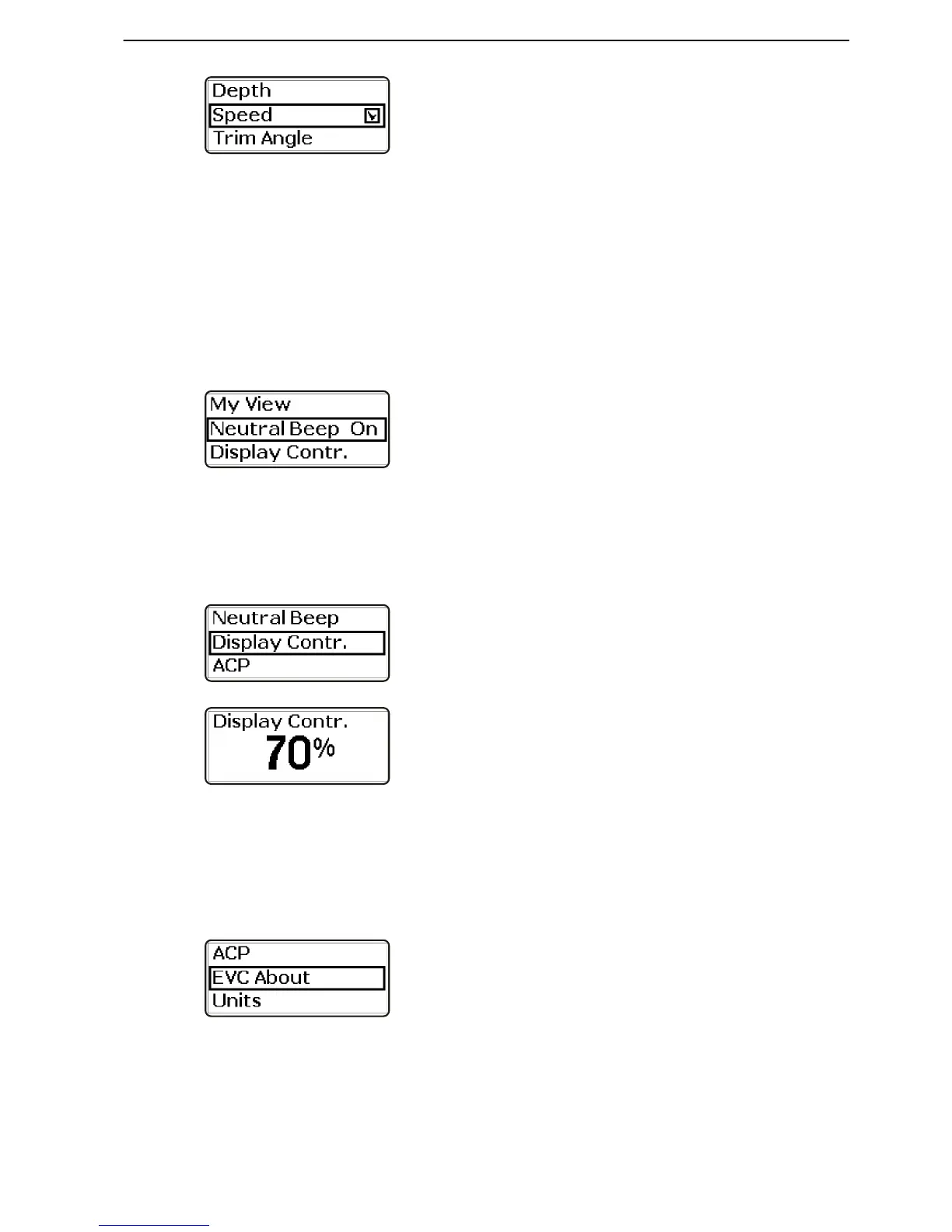
2 Turn to navigate through the menu with available
operating information.
3 Press the wheel to check and uncheck the infor-
mation to be displayed in the main menu.
Neutral Beep
Sound indication, controls in neutral position. The
sound may be set on or off. The sound level is set
under Information beep.
The setting must be entered at each station. If the sta-
tion has several displays, the setting need only be
made at one display.
1 Turn until Neutral Beep is shown in the settings
menu.
2 Press the wheel to select On or Off.
Display Contrast
Adjusting the tachometer display contrast
1 Turn to Display Contrast in the settings menu.
Press to reach the submenu.
2 Turn to adjust the contrast. Press the wheel to con-
firm the selection.
EVC Info
Information regarding accessories, components and
software installed in the boat is displayed here.
1 Turn to EVC About in the settings menu and press
the wheel to reach the submenu.











 To Next Page