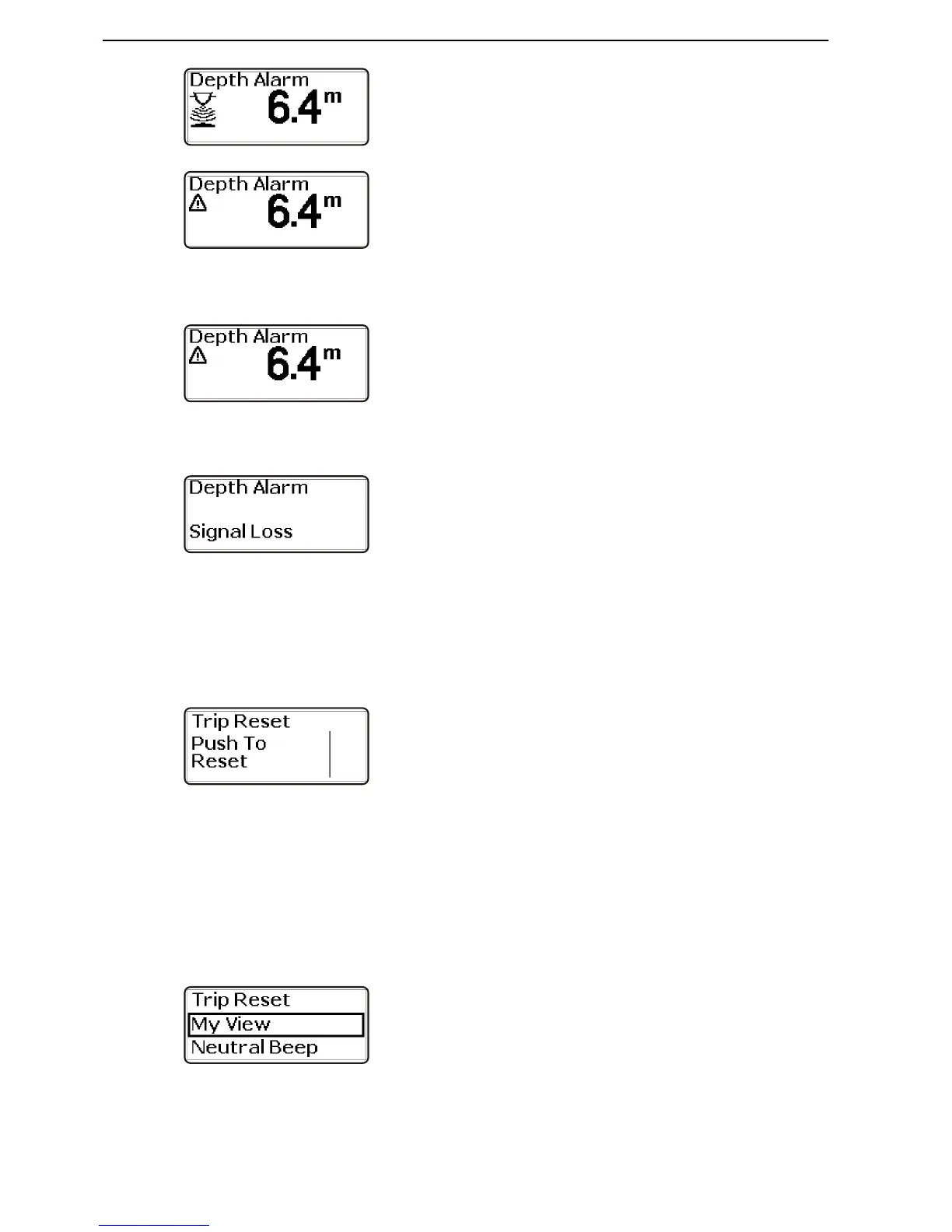
Depth alarm popup window
When the depth is less than the alarm level, the popup
window will display intermittently, followed by the alarm
signal.
The pop-up window will be displayed every 30 seconds
until the depth is greater than the alarm level.
Confirm the selection by depressing the navigation
wheel.
Lost depth alarm signal
If the signal from the depth alarm disappears, e.g. if the
depth alarm sensor is defective, the popup window is
displayed to the left.
Trip reset
Zeroing trip information
1 Activate the station.
2 Turn to Trip reset in the settings menu.
3 Press the wheel twice to zero the trip information.
My View
In My view it is possible to select the operating infor-
mation to be displayed in the main menu.
The type of information that may be selected depends
on the functions installed.
1 Turn to My View in the settings menu. Press to
reach the submenu.











 To Next Page