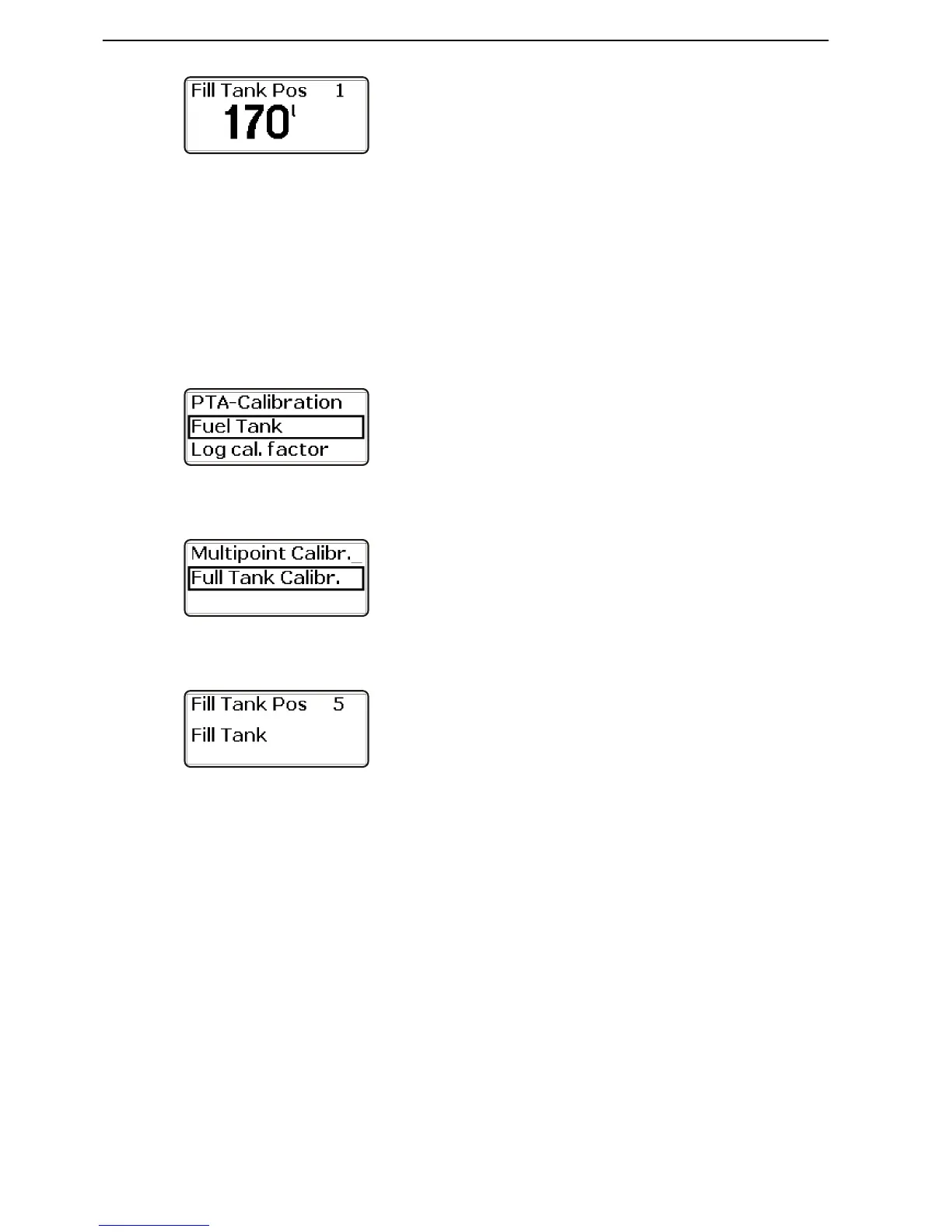
4 Fill the tank with the quantity shown in the display,
POS 1.
5 Fill the tank up to the level shown in the display,
POS 2.
Press the wheel to confirm that the tank has been
filled to the indicated level.
6 Repeat the procedure for POS 3 , POS 4 and POS
5. Confirm by pressing the wheel at each position.
Full Fuel Tank Calibration
For this method the tank must be full and calibration of
the fuel level sensor takes place in one step. This
means that the fuel level value will be approximate,
and therefore all trip data based on remaining fuel must
be seen as approximate values.
1 Turn to Fuel Tank and press the wheel to reach the
submenu.
2 Turn to Full Tank Calibr. and press the wheel.
3 Fill the fuel tank. Confirm that the fuel tank is full by
depressing the wheel.
Speed Factor
The speed factor must be set while the boat is under
way. Compare the displayed boat speed value with
GPS data (or another boat) and adjust the speed factor
until the values agree.
On boats with more than one station and with several
displays it is enough to enter the setting on one display
for it to be shown at all stations and on all displays.
1 Activate the station.











 To Next Page