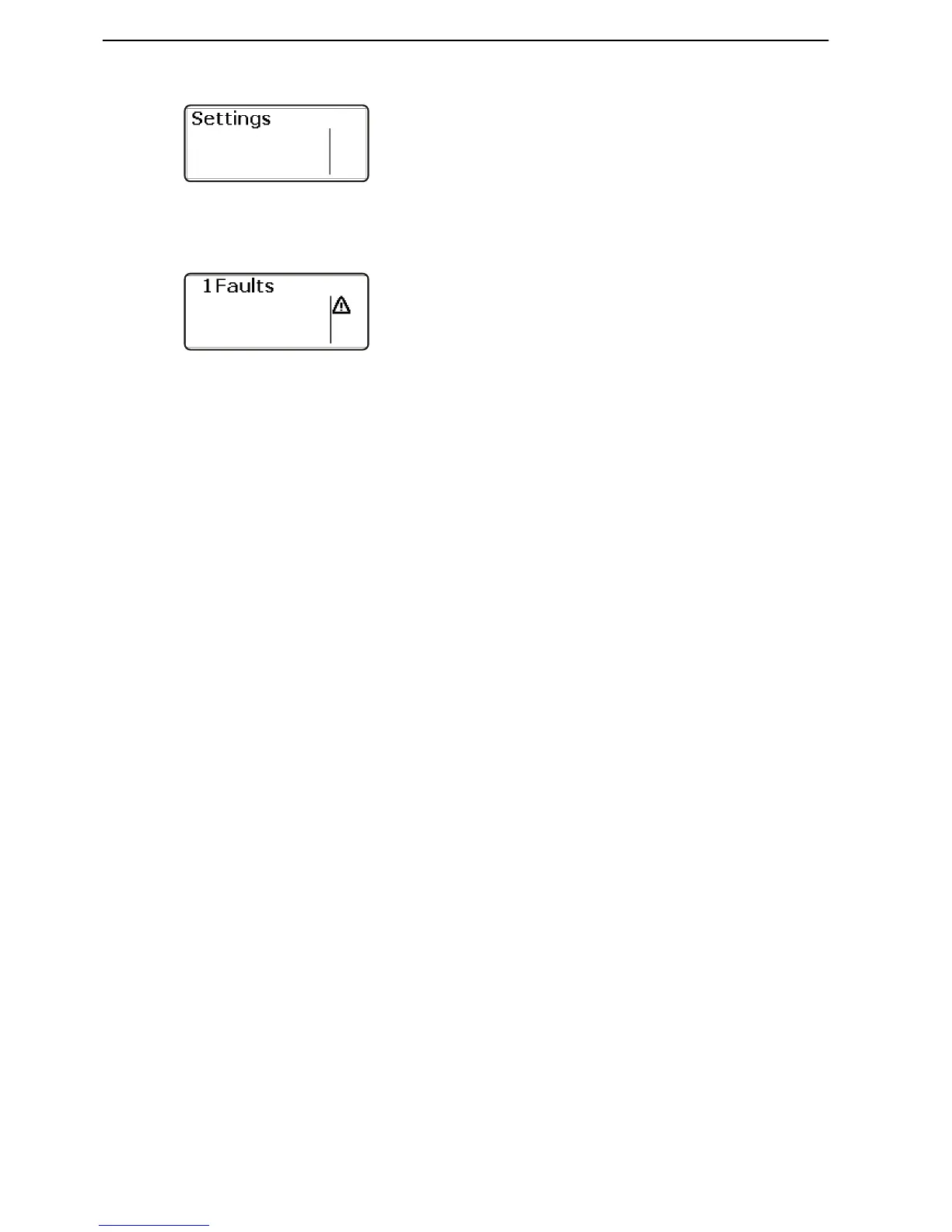
Settings
Turn the control panel wheel until the start screen for
the settings menu is displayed. Press the wheel to
reach the sub menus.
Turn to move between the available setting functions.
For further information, refer to section Settnings
menu page 88.
Fault
The fault window is only shown in the main menu if a
fault has been detected.
For further information, refer to section Fault Han-
dling page 39.











 To Next Page