VONETS——VAR11N 150M Mini WIFI Router
16
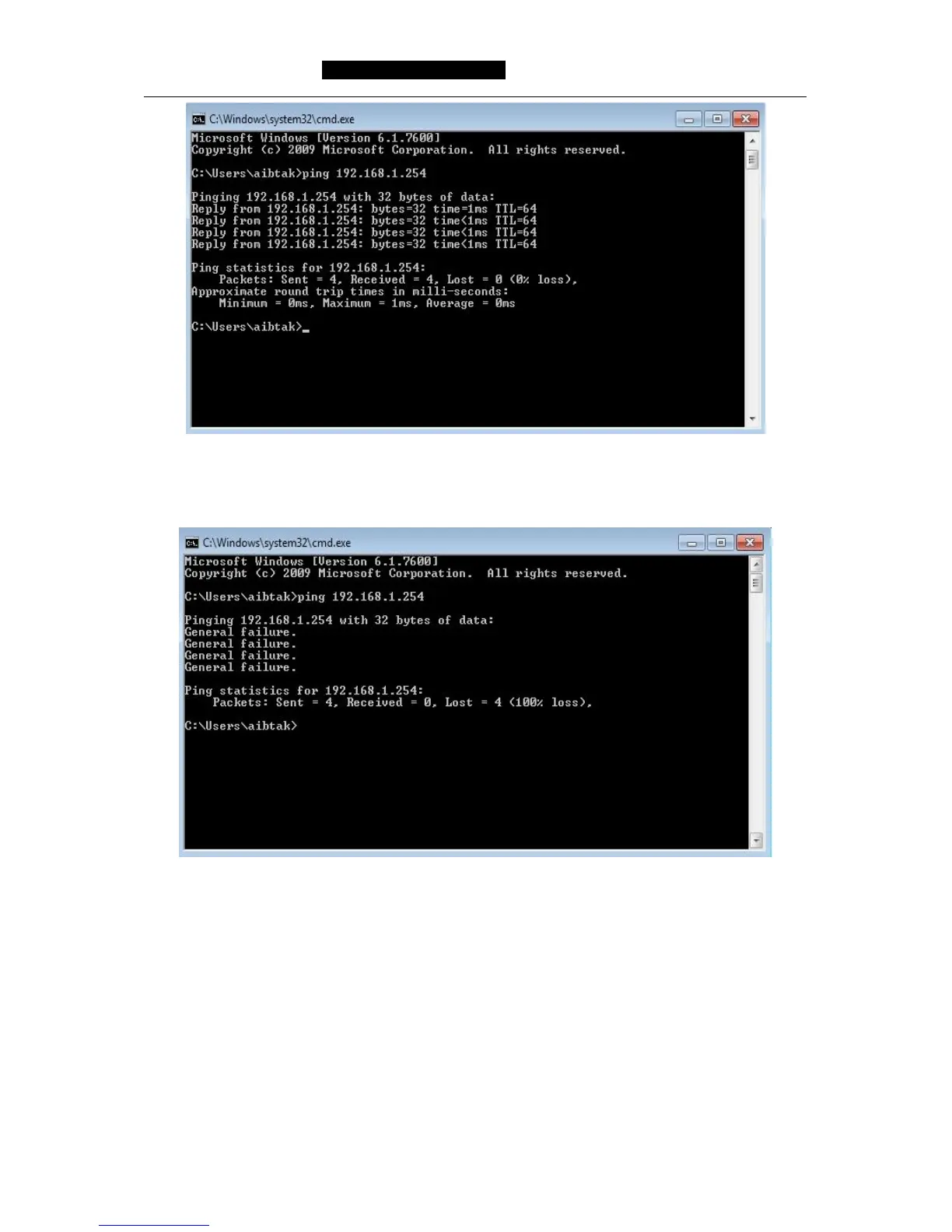
It means computer and VAR11N have build connection successfully.
If the screen shows the following:
It means VAR1N hasn’t been installed successfully, please check the orders
accordance with the following order:
1) Whether the hardware connection is correct?
The USB port pilot light of VAR11N and network card of computer should be blink.
2) Whether the configuration of computer TCP/IP is correct?
If the IP address is configured manually, please make sure if VAR11N IP address is
192.168.1.254, computer IP address must be automatic obtained or 192.168.1.X
(X is any integer number from 2 to 253), subnet mask is 255.255.255.0.



 To Next Page