VONETS——VAR11N 150M Mini WIFI Router
19
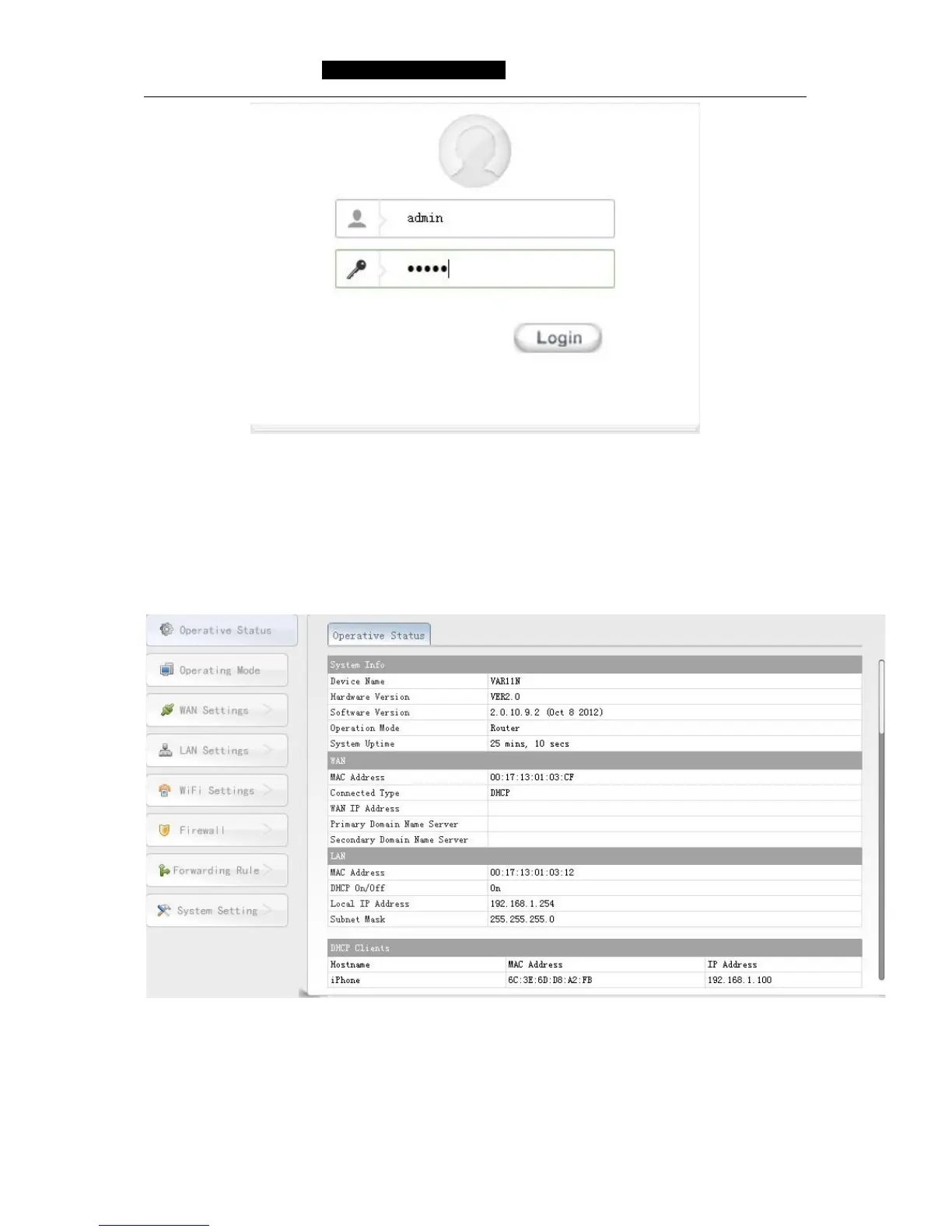
Picture 5-1 Login webpage
5.1 Operative Status
Picture 5-2 Operative Status page will display in browser after login, the default display
is English page, user can click the upper right button to switch, user can see the every
function operative status in this page, please see the following picture:
Picture 5-2 Operative Status page
System Info: Here display the hardware and software version and operative mode
and system uptime. You can go to System setting----Firmware Upgrade
to upgrade software version.



 To Next Page