VONETS——VAR11N 150M Mini WIFI Router
32
Ø DMZ Setting: Disable and enable this function.
Ø DMZ IP Address: Enter the DMZ Host IP Address column is set to the DMZ host
LAN computer's IP address.
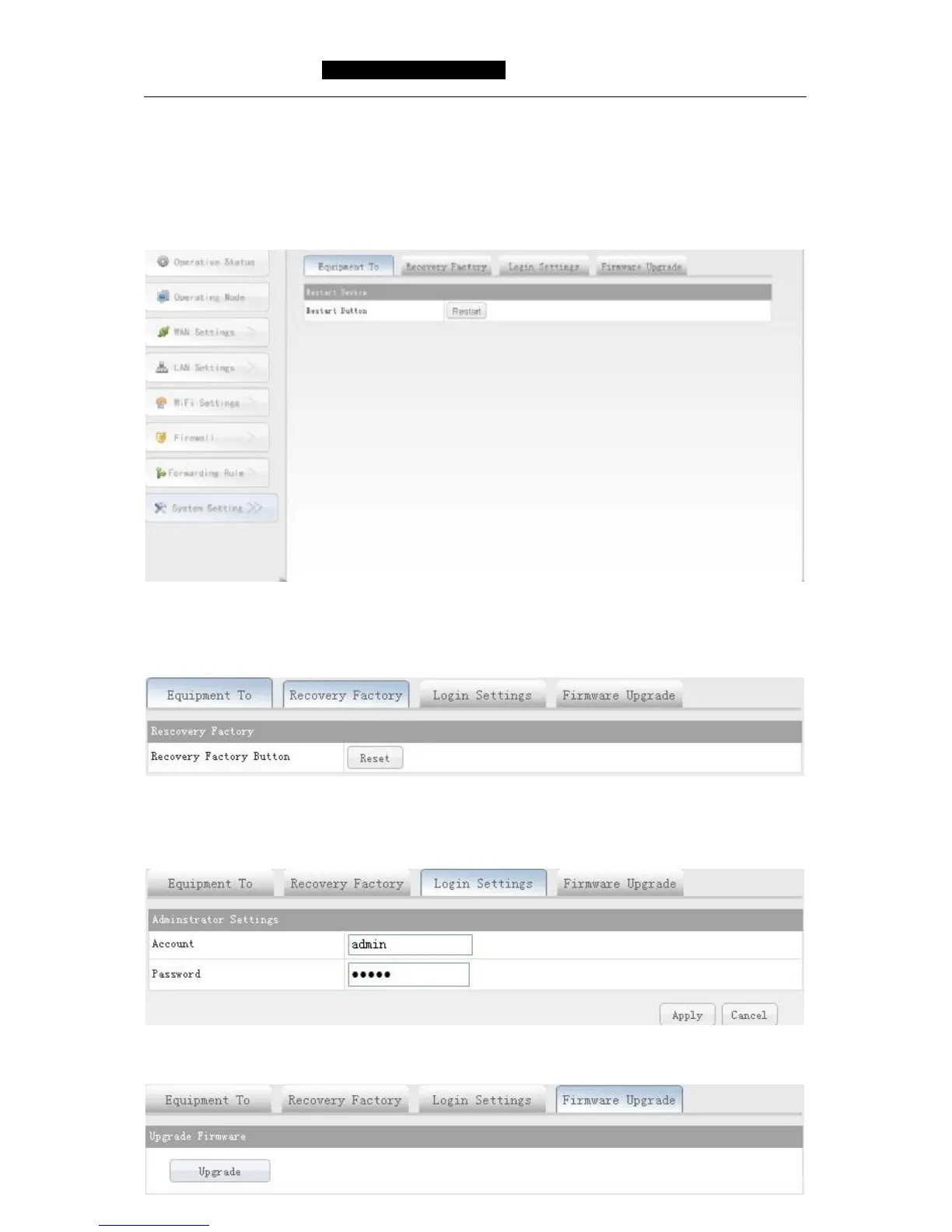
5.8 System Setting
5.8.1 Device Reboot
Restart equipment will set in after the change to take effect. After the restart, the
device will automatically cut off the WAN port connection.
5.8.2 Recovery Factory
Click the "reset" button will make all the settings of the device back to factory default
state
5.8.3 Login Setting
Revise the administrative account and password.
5.8.4 Firmware Upgrade



 To Next Page