VONETS——VAR11N 150M Mini WIFI Router
36
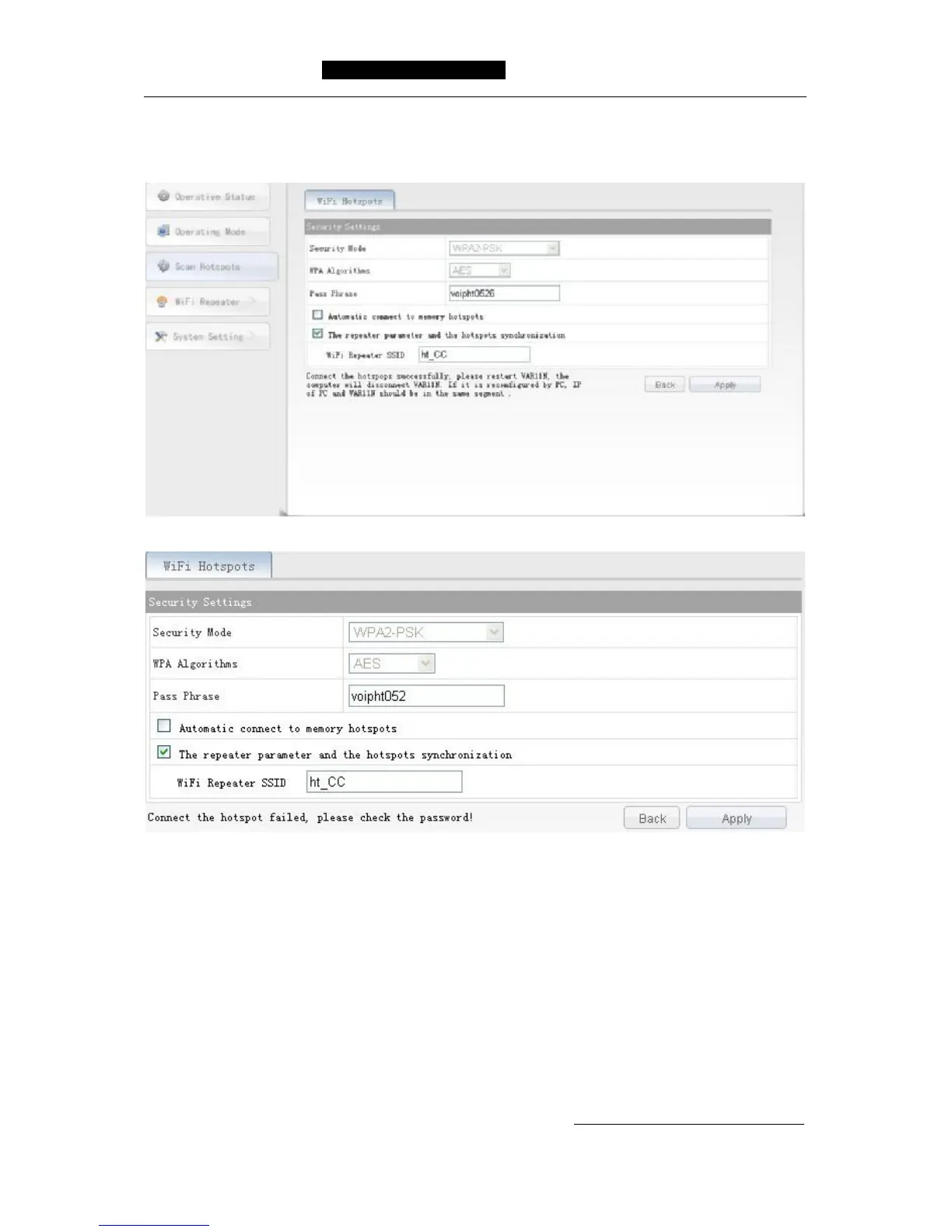
Ø Apply: Click Apply button after confirmation, the device will connect to WIFI
hotspot automatically, if the password is correct, the following page will display, it
means the connection is successful, please see the following: ,
If the password input is wrong, the following page will display:
6.4 WIFI Repeater
This setting can refer to the system settings in router mode operation.
6.5 System Setting
This setting can refer to the system settings in routing mode operation.
Shenzhen HouTian Network Communication Technology Co.,Ltd
http://www.vonets.com.cn



 To Previous Page