VONETS——VAR11N 150M Mini WIFI Router
18
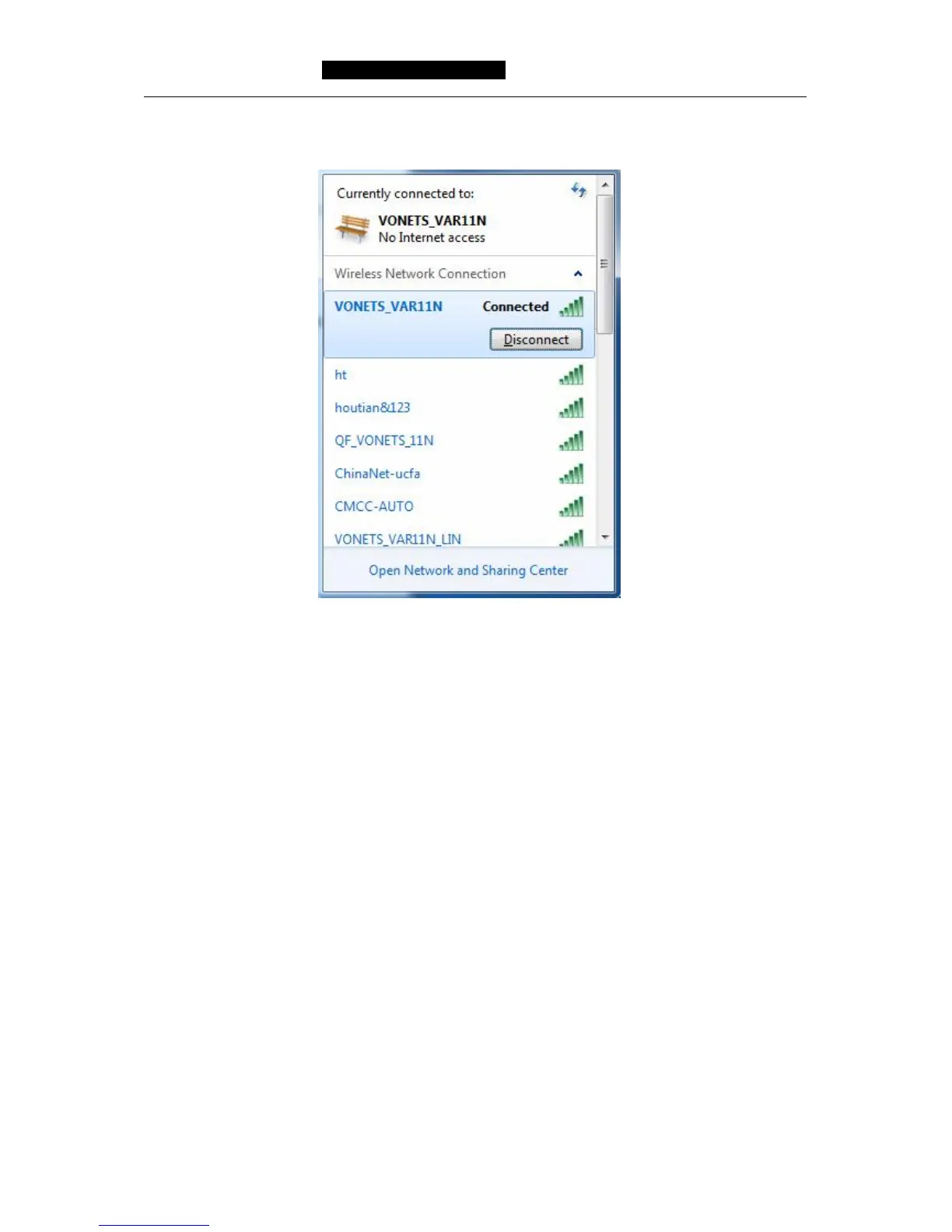
3) When the page displays Connected, it means network card has been connected
VAR11N WIFI router.
Chapter 5 Router Settings
Our product supplies setup tool based on WEB browser. In order to connect to
Internet by VAR11N successfully, please configure WEB browser first.
Open WEB browser, input IP address 192.168.1.254 of VAR11N WIFI router in browser
address field, the picture 5-1 will show login webpage, then input username and
password (the default username and password is admin), click Login button.



 To Next Page