VONETS——VAR11N 150M Mini WIFI Router
12
Chapter 4 Hardware Connect
According to the different work modes, connect the device correctly based on 3.1
work mode introduction connection diagram.
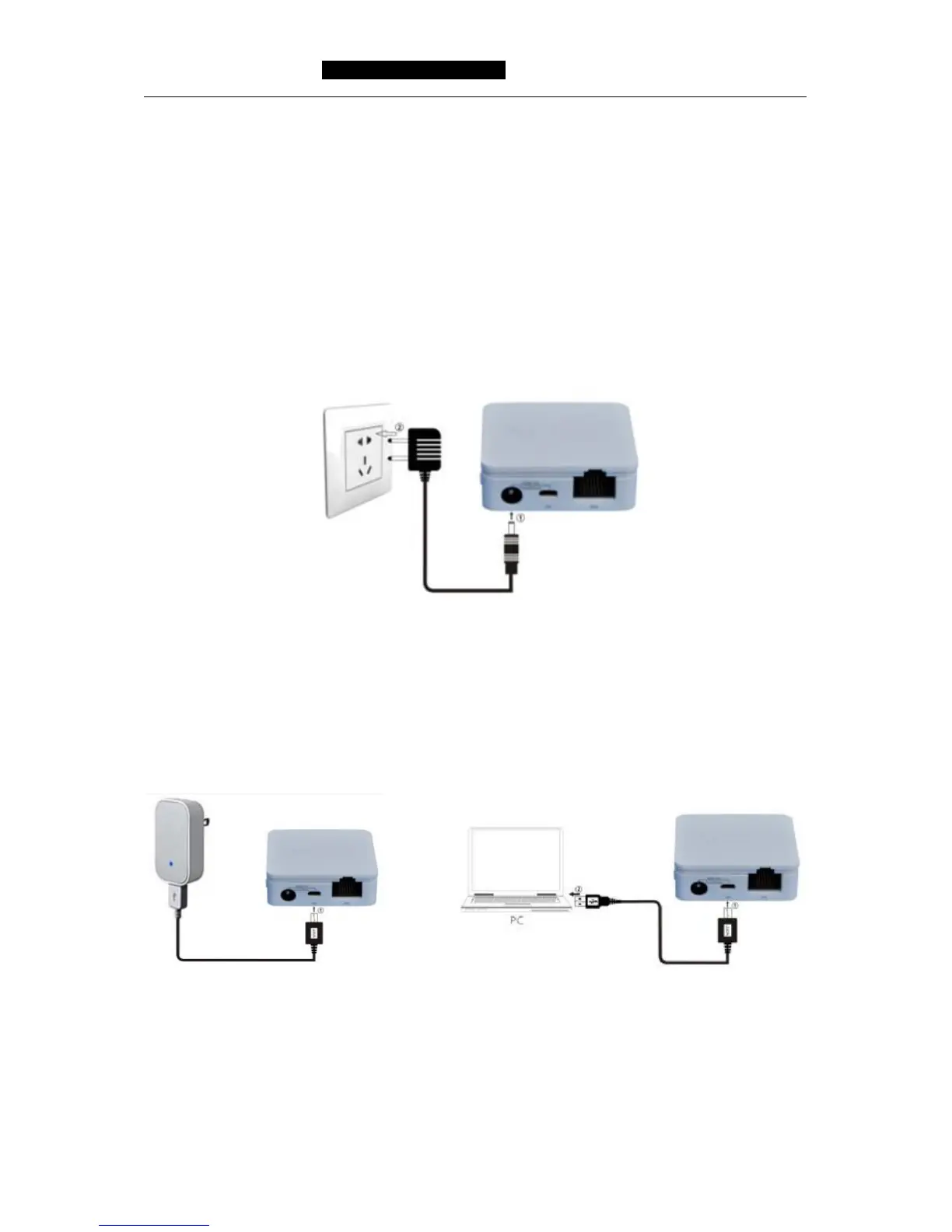
The method of connecting power supply:
Connect DC2.0 port of VAR11N by 5-15V power supply head, then plug power supply
to standard electrical outlet.
Picture 4-1 VAR11N Hardware installation diagram
Remark:
VAR11N can be powered by mobile power adapter and computer USB port, to omit the
troubles to carry multiple power adapters.
4.1 Build correct IP configuration
The default LAN IP address of VAR11N is 192.168.1.254, the default subnet mask is
255.255.255.0. The data can be changed based on actual need, but the instruction is
according to the default. This section takes Windows 7 system for example,



 To Next Page