VONETS——VAR11N 150M Mini WIFI Router
7
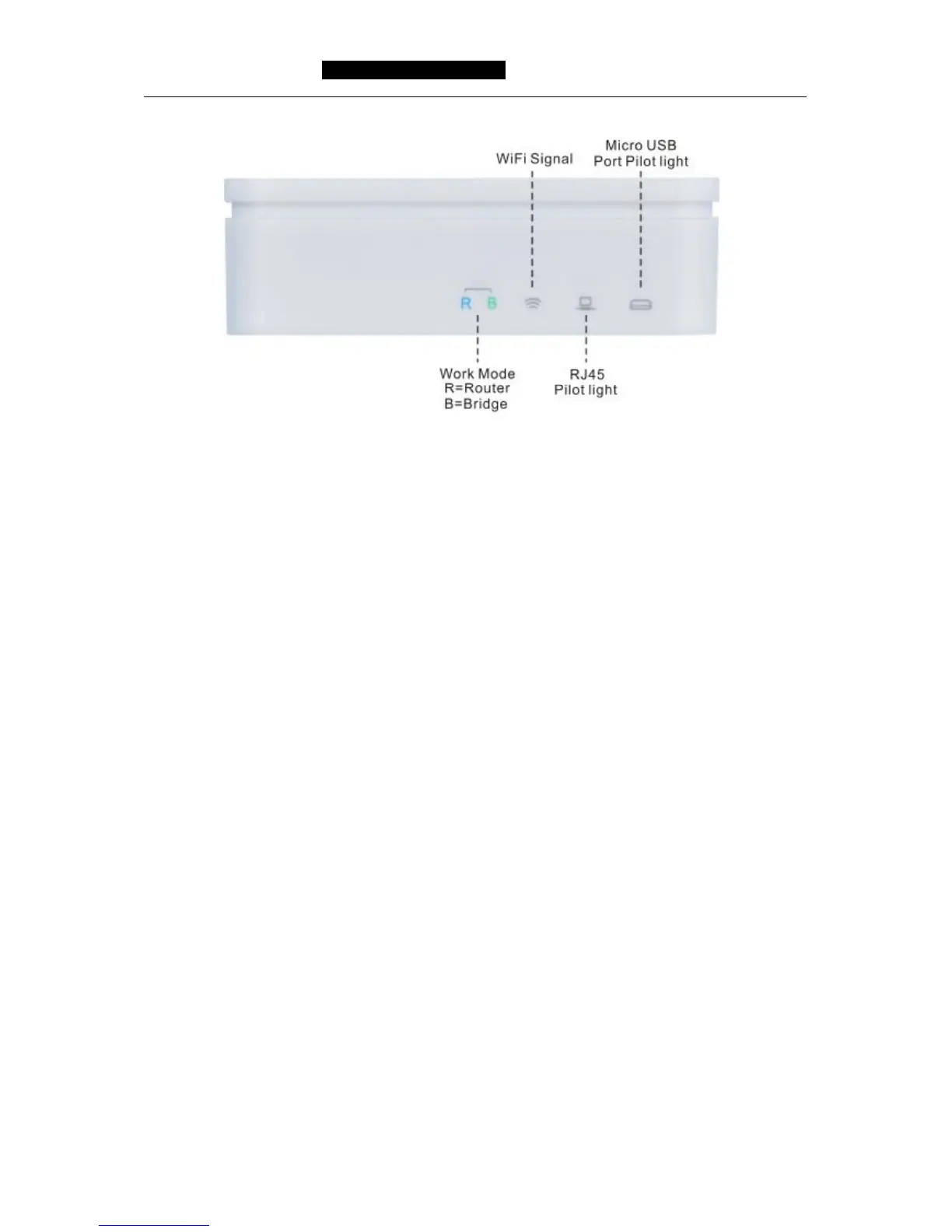
Picture 2-2 WIFI Router Pilot light Diagram
WAN Port:
In WIFI router mode, this port is used as WAN port, use to connect Ethernet cable or
xDSL Modem/Cable Modem.
In bridge mode, this port is used as LAN port, use to connect hubs, switchboard or the
computer installed network card in local area network.
LAN Port:
In WIFI router mode, this port is used as LAN port, it is RJ45 port of local area network,
use to connect hubs, switchboard or the computer installed network card in local area
network. In bridge mode, the function is the same.
Remark: In WIFI router mode, WAN port and LAN port can be exchanged.
Micro USB Port:
This port is used to connect USB cable and connect power by USB port.
Reset Button:
It is used to restore factory settings.



 To Next Page