Ceramic Master Е1000 en v3 6
4. INSTALATION AND INITIAL START-UP
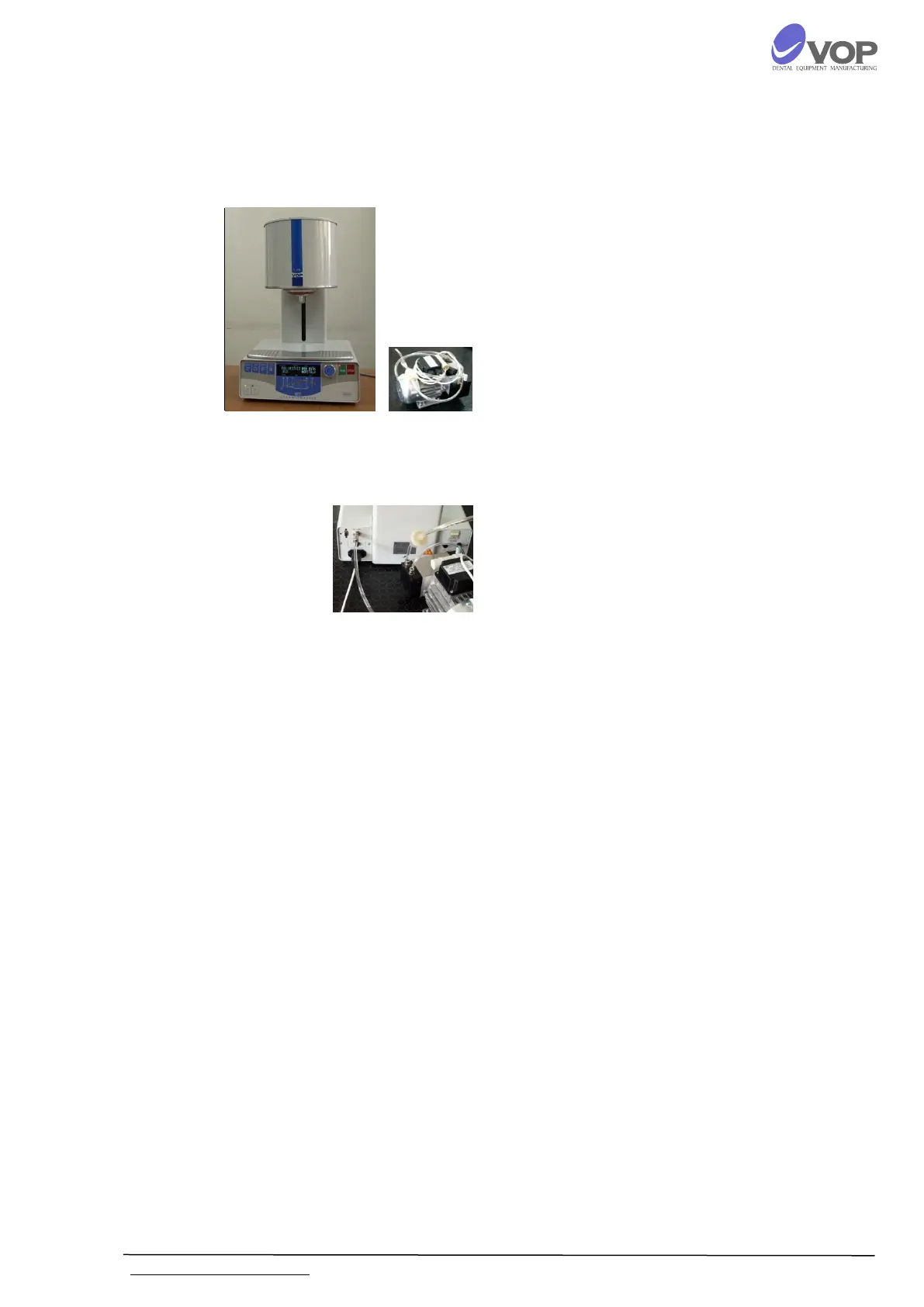
UNPACKING
CONNECTIONS
Carefully remove modules from packages;
Make sure that the mains voltage is ~230V and
the contact is reliably grounded.
Connect pump supply cable to the terminal with
label "VACUUM PUMP" on the rear panel;
Connect the power supply cable to the terminal
with label "POWER" on the rear panel;
Connect vacuum hose to the vacuum fitting with
label "VACUUM” on the rear panel.
The net switch is on the rear panel, on the right.
Put the furnace in a position which enables its
easy engaging turning off from the master
switch as well as from the contact.


 To Next Page