34
8” MONITOR REAR SEAT VIDEO HEADREST SYSTEM Owner’s Manual
DVD
SETTINGS
HR8D/HR8AD DVD SETTINGS AND ADJUSTMENTS (continued)
LANGUAGE SETUP
OSD LANGUAGE
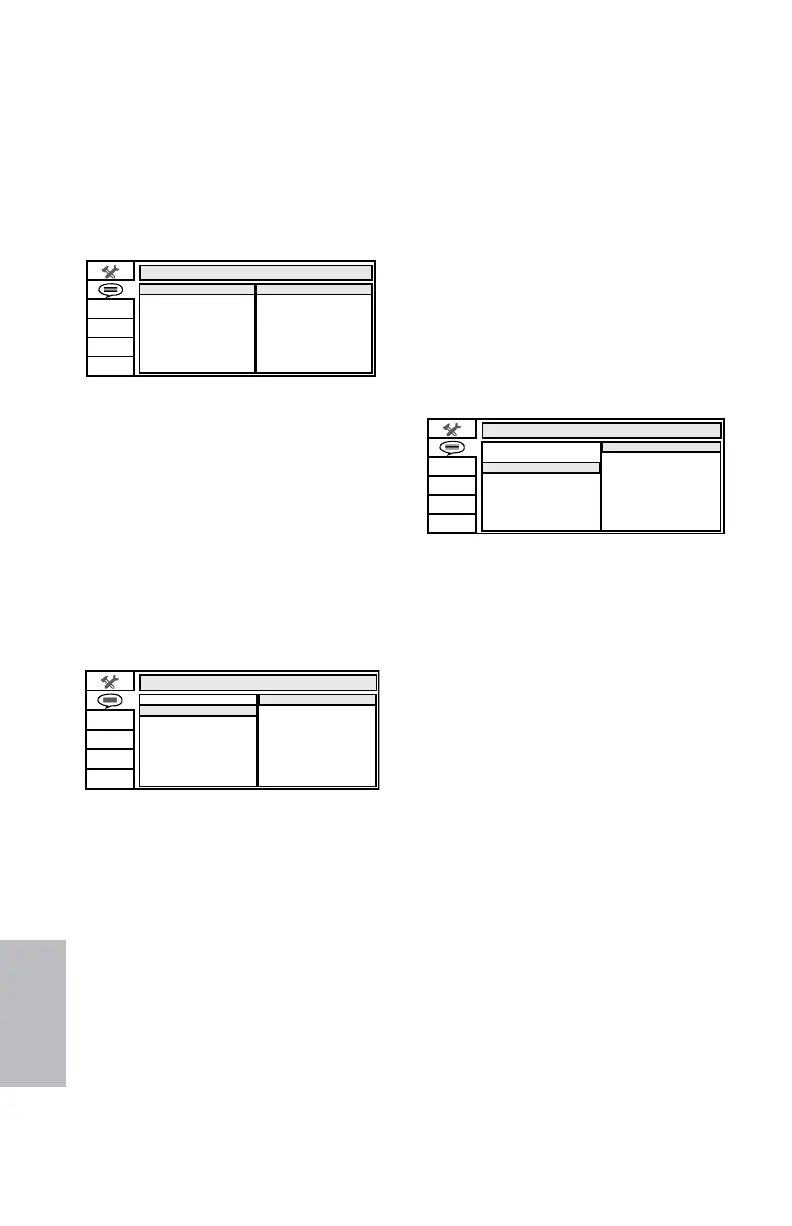
The OSD LANGUAGE setup option page allows
the user to select the language for the OSD.
The user can either select ENGLISH, FRENCH,
SPANISH, GERMAN, or ITALIAN for the OSD
language. (Figure 51)
AUDIO LANGUAGE
The AUDIO LANG setup option page allows the
user can select the audio language (ENGLISH,
FRENCH, SPANISH, GERMAN, ITALIAN,
CHINESE, JAPANESE or THAI). (Figure 52)
NOTE: The audio selection is only available
for discs that are recorded in the above listed
languages. If the selected, language is not
available, the player will play and display on
the screen the original language contained
in the disc.
Subtitle Language Setup
Figure 53
SUBTITLE LANGUAGE
The SUBTITLE LANG setup option page
allows the user to select the language for
the OSD. The user can either select
ENGLISH,ENGLISH,
FRENCH, SPANISH, GERMAN, ITALIAN, FRENCH, SPANISH, GERMAN, ITALIAN,
CHINESE, THAI (or OFF) CHINESE, THAI (or OFF) to be displayed on
the screen during playback of a disc. (Figure
53)
NOTE: The subtitle selection is only available
for discs that are recorded in the above listed
languages. If the selected, language is not
available, the player will play and display on
the screen the original language contained
in the disc.
LANGUAGE SETUP
ENGLISH
FRE NCH
SPANI SH
GERMAN
ITALIAN
CHINESE
OSD LANGUAGE
AUDIO LANG
SUBTITLE LANG
THAI
OFF
OSD Language Setup
Figure 51
LANGUAGE SETUP
ENGLISH
FRE NCH
SPANISH
GERMAN
ITALIAN
CHINESE
OSD LANGUAGE
GNALOIDUA
LANG ELTITBUS
JAPANESE
THAI
Audio Language Setup
Figure 52
LANGUAGE SETUP
OSD LANGUAGE
AUDIO LANG
GNAL ELTITBUS
ENGLISH
FRE NCH
SPANISH
GERMAN
ITALIAN
128-9406B HR8D, HR8A and HR8AD AUDIOVOX 05-20-2015.indd 534128-9406B HR8D, HR8A and HR8AD AUDIOVOX 05-20-2015.indd 534 5/20/2015 5:03:35 PM5/20/2015 5:03:35 PM



 To Next Page