TSLM - M601 Operational & Install Manual
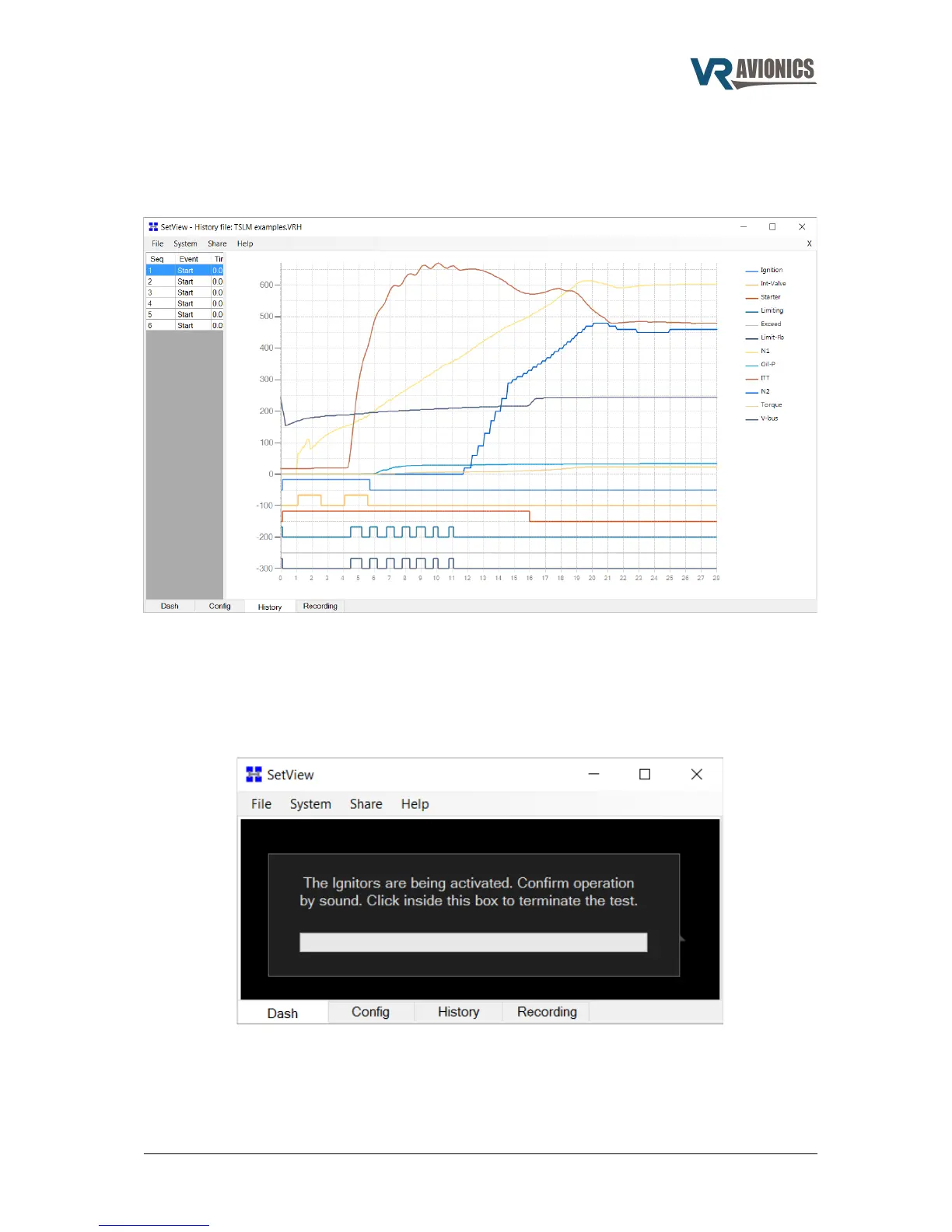
Opening and viewing history files
To open a History file in the SetView software, you select File > Open History File... from the main
menu. A dialog box will appear where you select the relevant history file. After hitting the Open
button, the window will be filled with the history contained in that file.
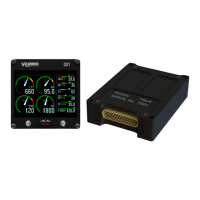
Diagnostic test and troubleshooting
Diagnostic tests are designed to verify the correct installation of the TSLM system and the proper
operation of some system components. This is strongly recommended before you do your first start
or motor/run operation. By selecting from the main menu System > Diagnostic Function > Ignitors
(or Interrupter Valve, EHT valve, Exceed light, TSLM light, Run switch, Start switch or Beta switch)
such a test begins. To terminate the test simply click inside the box.
06/29/16 © 2016 VR Avionics page 33 of 33


 To Previous Page