EasyManua.ls Logo

VS 910 Series - User Manual

Default Icon
64 pages
Go to English
Print Icon
To Next Page IconTo Next Page
Loading...
VS Vereinigte Spezialmöbelfabriken GmbH&Co.KG
Hochhäuser Straße 8 · 97941 Tauberbischofsheim · Tel.: 09341/880 · vs@vs-moebel.de
http://links.vs-service.com/downloads/70-357_V08_DEEN_S910_Hoehenverstellung-142159.pdf
BEDIENUNGSANLEITUNG: 70-357 V08 031119
Serie 910
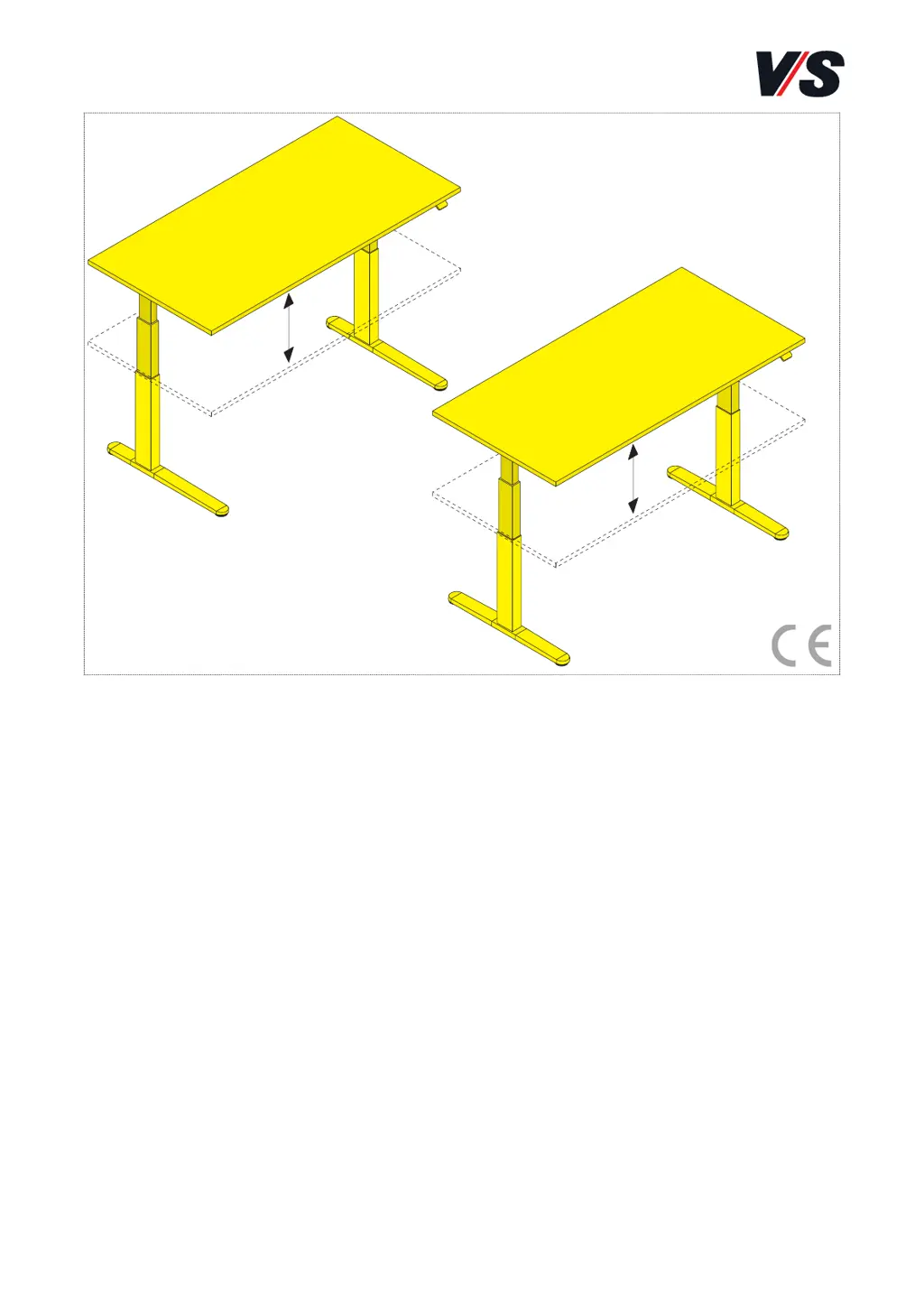
Höhenverstellbarer
Sitz-/ Steharbeitsplatz.
C-Fuß, T-Fuß.
Bitte sorgfältig aufbewahren!
OPERATING INSTRUCTIONS: 70-357 V08 031119
Serie 910
Height-adjustable
seated/standing workplace.
C-foot, T-foot.
Please keep these Instructions
carefully!

Table of Contents

Questions and Answers

  • A
    amystaffordJul 28, 2025
    What to do if my VS Indoor Furnishing table won't move?
    • S
      Stacey DavisJul 28, 2025
      If your VS Indoor Furnishing table isn't moving, there are a few things you can check: First, ensure you haven't exceeded the maximum operating time, activating the operating time restriction. Next, verify that all cables are correctly inserted and that there's a functioning electricity supply. Also, confirm that the load on the table isn't too high and that nothing is obstructing its path.
  • S
    Susan DavisAug 3, 2025
    What to do if I see error code E-59 on my VS 910 Indoor Furnishing?
    • J
      John MorrisAug 3, 2025
      Error code E-59 on your VS Indoor Furnishing indicates that the table's collision protection has been triggered. You should check the table's travel path for any obstructions.
  • S
    Stephen CombsAug 9, 2025
    What to do if I see error code E-60 on my VS 910?
    • D
      Donna SmithAug 9, 2025
      Error code E-60 on your VS Indoor Furnishing indicates that the table's collision protection has been triggered. You should check the table's travel path for any obstructions.
  • L
    Lori HamiltonAug 15, 2025
    How to fix error E-01 on VS Indoor Furnishing?
    • M
      Michelle RobinsonAug 15, 2025
      To fix error E-01 on your VS Indoor Furnishing, perform a reset.
  • K
    Kenneth MillsAug 21, 2025
    What does error E-16 mean on my VS Indoor Furnishing?
    • M
      Madison BoothAug 21, 2025
      Error E-16 on your VS Indoor Furnishing means a wrong or unsupported button combination was pressed on the handswitch.

Summary

EU Declaration of Conformity

General Safety Instructions

Specific Safety Instructions

Safety Notes

Collision Protection

Collision Protection Information

Explains how the system detects obstacles and initiates reverse travel automatically.

Collision Protection Notes on Use

Details detection phases, obstacle types, and operating time restrictions for collision protection.

Using the Table Handswitch

Height Adjustment

Explains how to use handswitches to adjust table height and features like soft start/stop.

Saved Positions

Details how to save and recall up to four height positions using the handswitch.

Button Lock Safety Mechanism

Explains how to activate a lock function for private settings to prevent unauthorized use.

Troubleshooting

Table Does Not Move

Provides checks for common issues like time restrictions, cable connections, load, and obstacles.

Technical Data

VS 910 Series Specifications

General IconGeneral
BrandVS
Model910 Series
CategoryIndoor Furnishing
LanguageEnglish

Related product manuals