17 VWR Mega Star 600 / 600R ver b, rel 17.07.2020
Description of Buttons and Switches
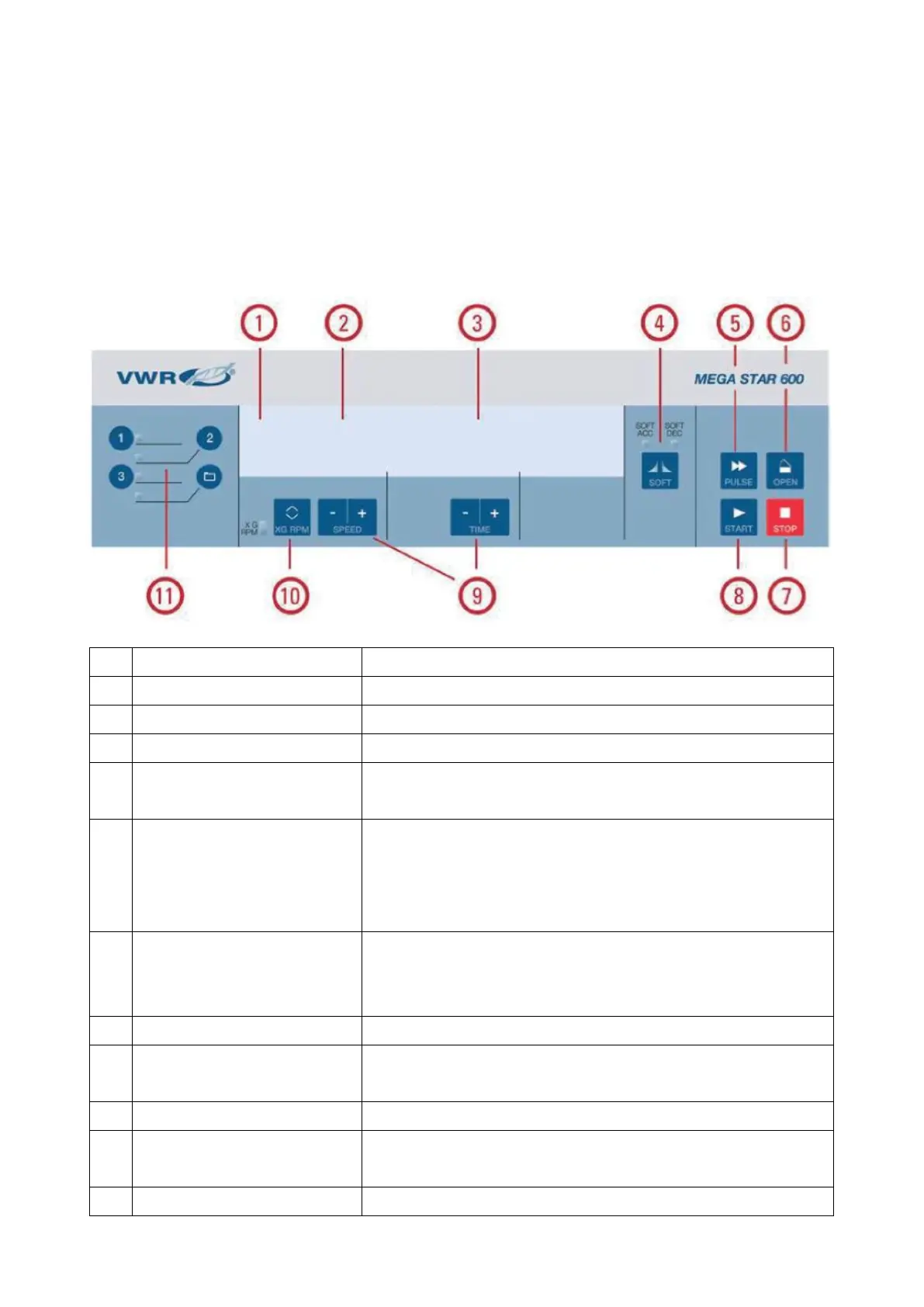
Control panel
The control panel contains the keys and displays of the centrifuge (only the power switch is located on the
right side (VWR Mega Star 600R) or on the backside (VWR Mega Star 600) of the device).
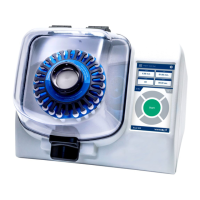
VWR Mega Star 600
No Function Display Contents
1 Status The status of the centrifuge is displayed here.
2 Speed / RCF Value The speed (rpm) or RCF value (x g) is displayed here.
3 Running Time The running time is displayed here.
4 Acceleration / Deceleration
Profiles
Press the key multiple times to cycle through the available
profiles.
5 PULSE Key Press the PULSE key to immediately start the centrifugation run
and accelerate up to the maximal permissible end speed
(depending on the used rotor). Releasing the key initiates,
a stopping process at the highest braking curves.
6 OPEN Key Press the OPEN key to activate the automatic door release
(possible only when device is switched on and when the rotor is
fully stopped).
7 STOP Key Press the STOP key to manually end the centrifugation run.
8 START Key Press the START key to start a centrifugation run or to accept the
current settings.
9 Arrow Keys Use these keys in order to modify the displayed value.
10 TOGGLE Key for Speed / RCF
Value
Use the TOGGLE key to change the display mode.
(Speed / RCF Value).
11 Program Keys Use the Program Keys to save and load programs.









 To Next Page