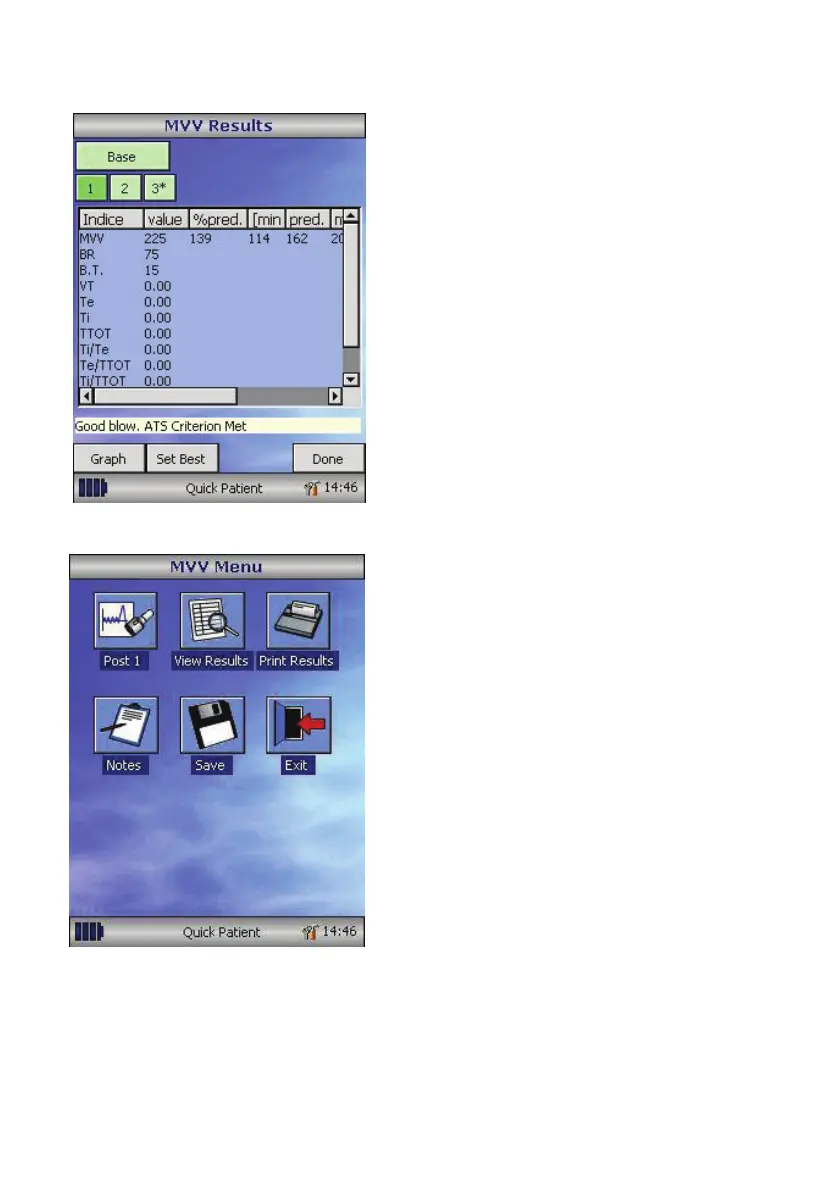
Once the number of manoeuvres has
been completed and the test session has
nished selecte Done and the results with
selected indices will be displayed. Each
manoeuvre will be numbered and the best
manoeuvre highlighted with an asterix
(*). Touch Graphs to view the graphs
of the currently selected manoeuvre
and best manoeuvre. Select Set best to
manually select the best manoeuvre.
Select Done to return to the main MVV
menu.
Once testing is complete the MVV main
menu will be displayed ‘Touch’ the
appropriate icon to allow a Post 1 MVV
test to be performed, View Results,
Print Results, Add notes for the patients
examination, Save the tests or Exit to
return to the main spirometer menu.
25



 To Next Page