Paper Loading
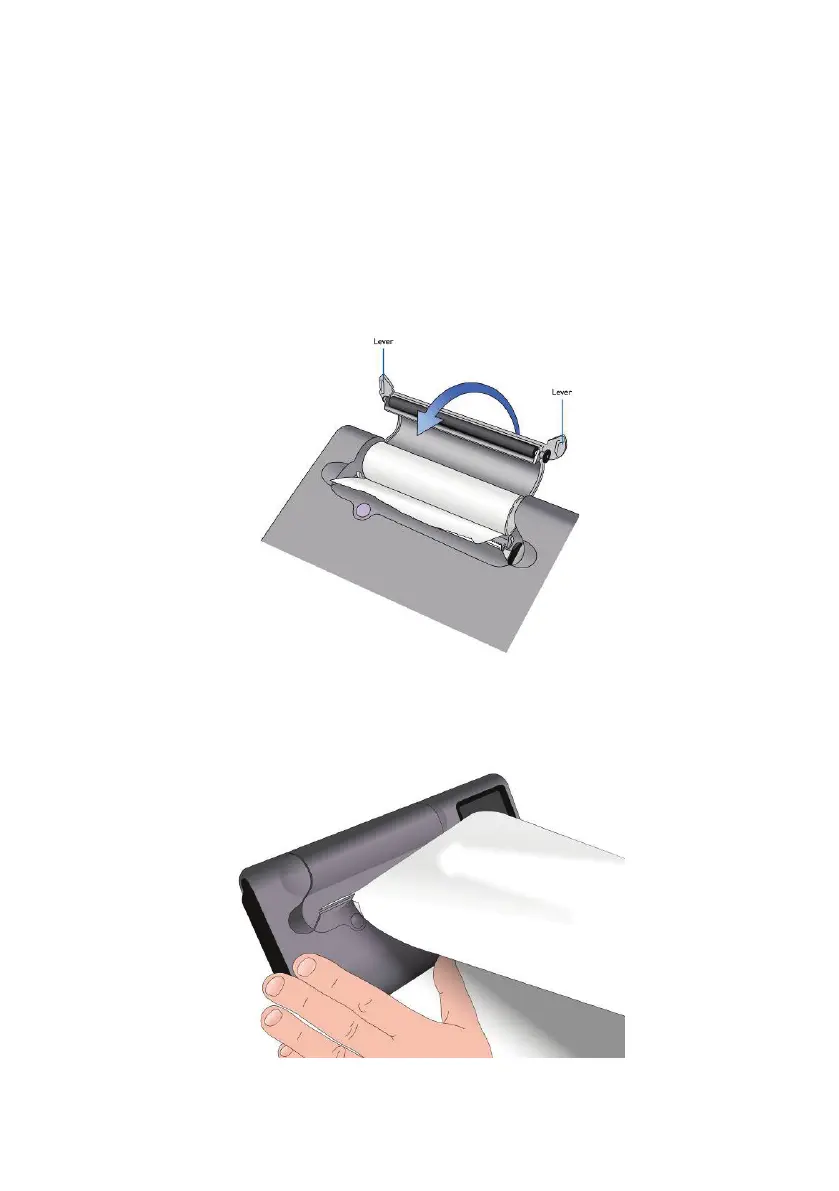
To load a new roll of thermal paper lift the paper cover using the
side levers, place the paper into the compartment as shown and
close the cover rmly. It is recommended that only Vyaire thermal
printer paper (Cat No. 36-PSA1600) is used with the MicroLab to
avoid damage to the thermal printer head.
To tear off the paper pull the paper towards you and to the right as
shown below:
31



 To Next Page