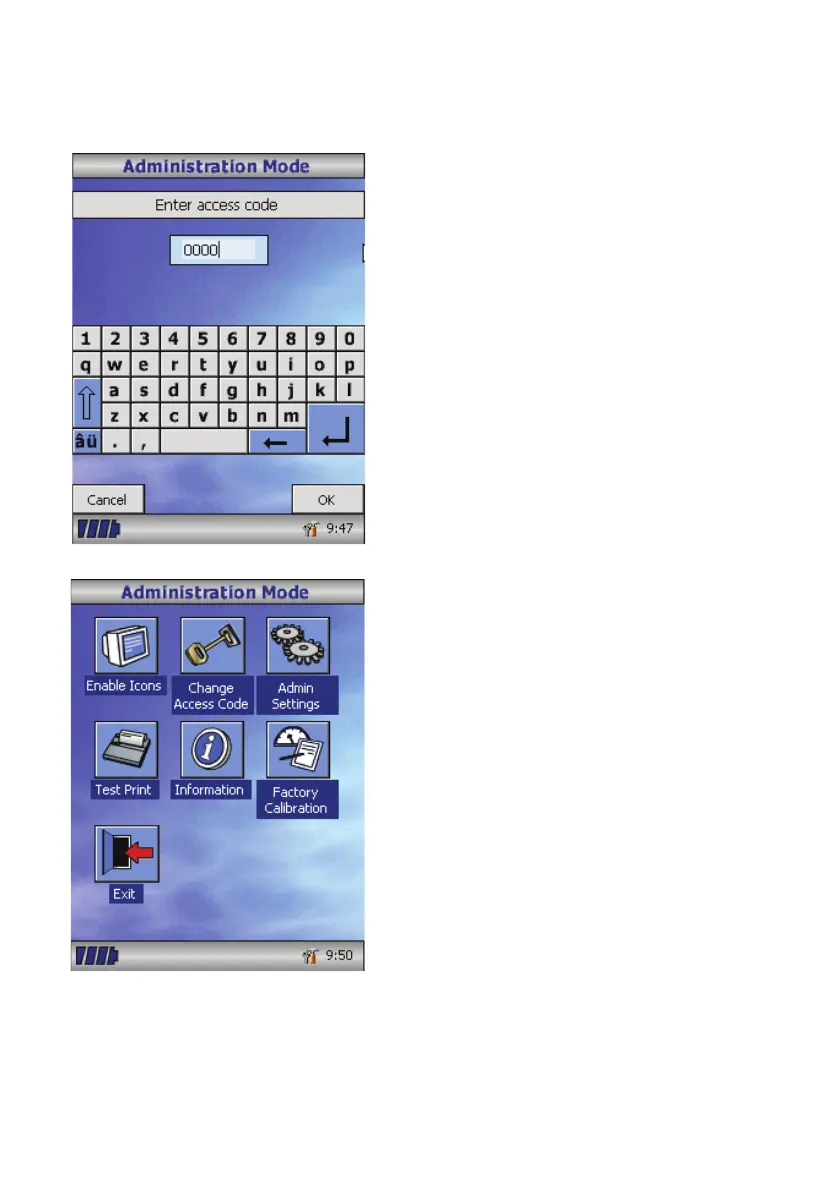
Administration Mode
Administration mode allows the
administrator to restrict the availability
of functions to the user by disabling
icons on the main menu. For example,
after the unit has been congured to the
administrator’s requirements, disabling
of the ‘Customise’ icon will prevent any
further adjustment by the user. Similarly,
disabling of the ‘Database Management’
icon will prevent the user from deleting
any patient details or test results.
To enter administration mode turn the unit
on whilst holding down the help key. The
default access code is 0000. Type this
number in using the on-screen keyboard.
A number of functions are now available.
Touch the ‘Change Access Code’ icon
in order to enter your personal access
code and thereby restrict the use of
administration to authorised personnel.
Press the help button to obtain a full
description of the functions.
30



 To Next Page